ĐÓÁąîÁĐ
/X_ÁĐĐÖîÍĉ
ąĐ瀆EÁĐ煁ĉE
_ЧĐÁ潽 D§îĕ§ç_ÁĐ/X
/X½½ąÁĉĉ
溡 溢 溤溩
_ĕ¶îÁĐD§ĉä 溢溥溥潻溢溥溥潻溢溥溥潻溡
'§ĐÁĦ§Ĭ 溡 溢溥溥 溡溠溤
/X_ÁĐĐÖîÍĉ
D½½ąÁĉĉ潽
/X½½ąÁĉĉ
_ĕ¶îÁĐD§ĉä 溢溥溥潻溢溥溥潻溢溥溥潻溡
'§ĐÁĦ§Ĭ
溡 溢 溤溩溡
溡 溥溥 溡溠溤溡
/X_ÁĐĐÖîÍĉ
ąĐ瀆EÁĐ澦ĉE_ЧĐÁ
ĕĐõì§ĐÖ·
ąĐ瀆EÁĐKîçĬ
K&&
ĉEKîçĬ
ąĐ瀆EÁĐ煁ĉE_ÁĐĐÖîÍĉ
_ЧĐÁ潽
EÁĐ _ĕ¶ kîÖ溡溢溧 溡溥溡溥
ąĐ瀆EÁĐkîÖĥÁąĉÁ澱溣溢溧溦溧
ĉEkîÖĥÁąĉÁ澱溣溢溧溦溩
ąĐ瀆EÁĐKîçĬ
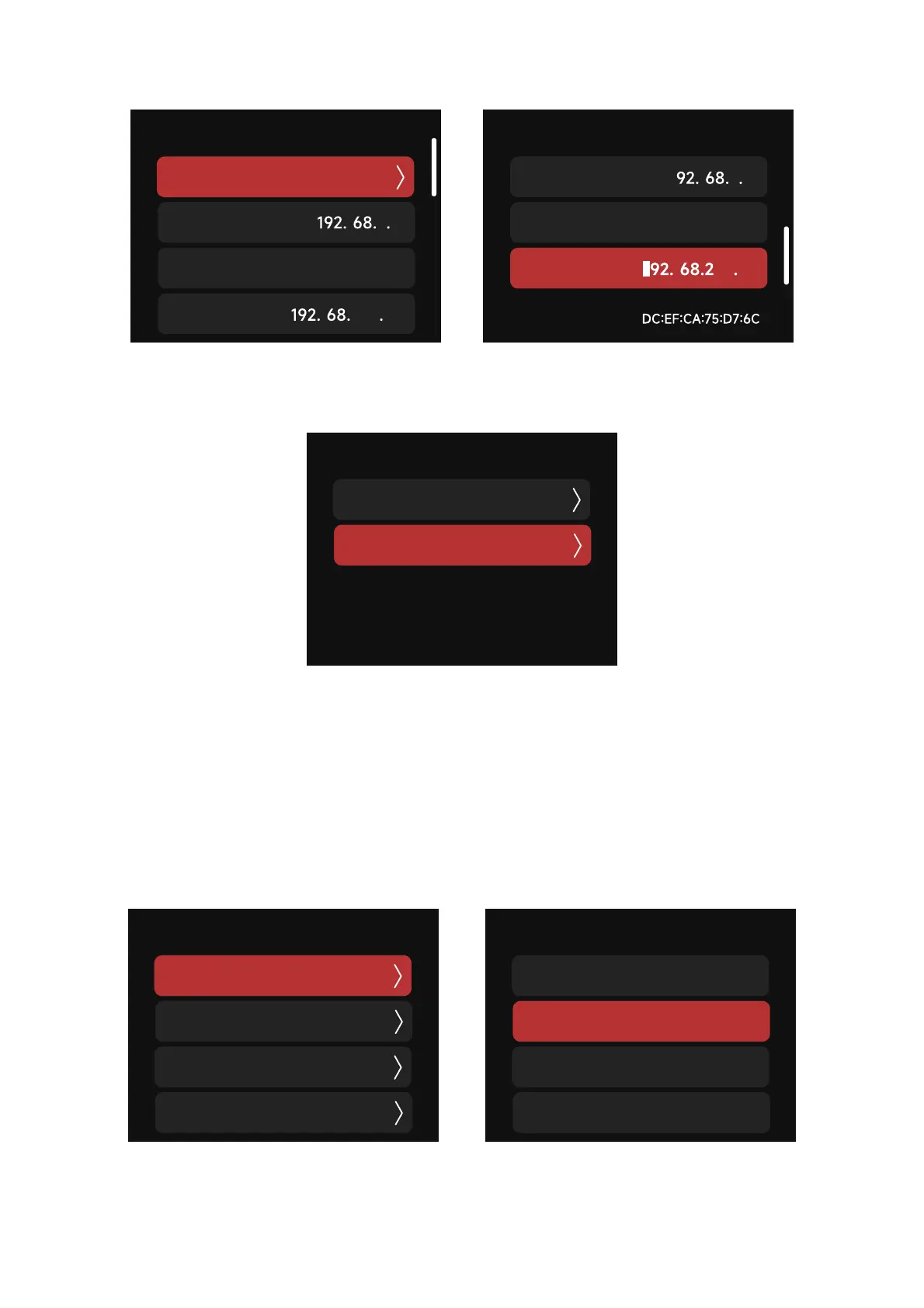
b.Manual Set IP: .BOVBMMZTFUthe IP address, Subnet Mask and the Gateway IP address.
a. Choose between the following:
(a) Automatic: The fixture will automatically identify the current Ethernet protocol
(b) Art-Net Only: use the Art-Net protocol only; the fixture will not respond to the sACN
protocol
(c) sACN Only: use the sACN protocol only; the fixture will not respond to the Art-Net protocol
(2) Art-Net & sACN: select which data protocol you are sending over ethernet.


 To Next Page