AquaLab 12 TROUBLESHOOTING
SOLUTION:
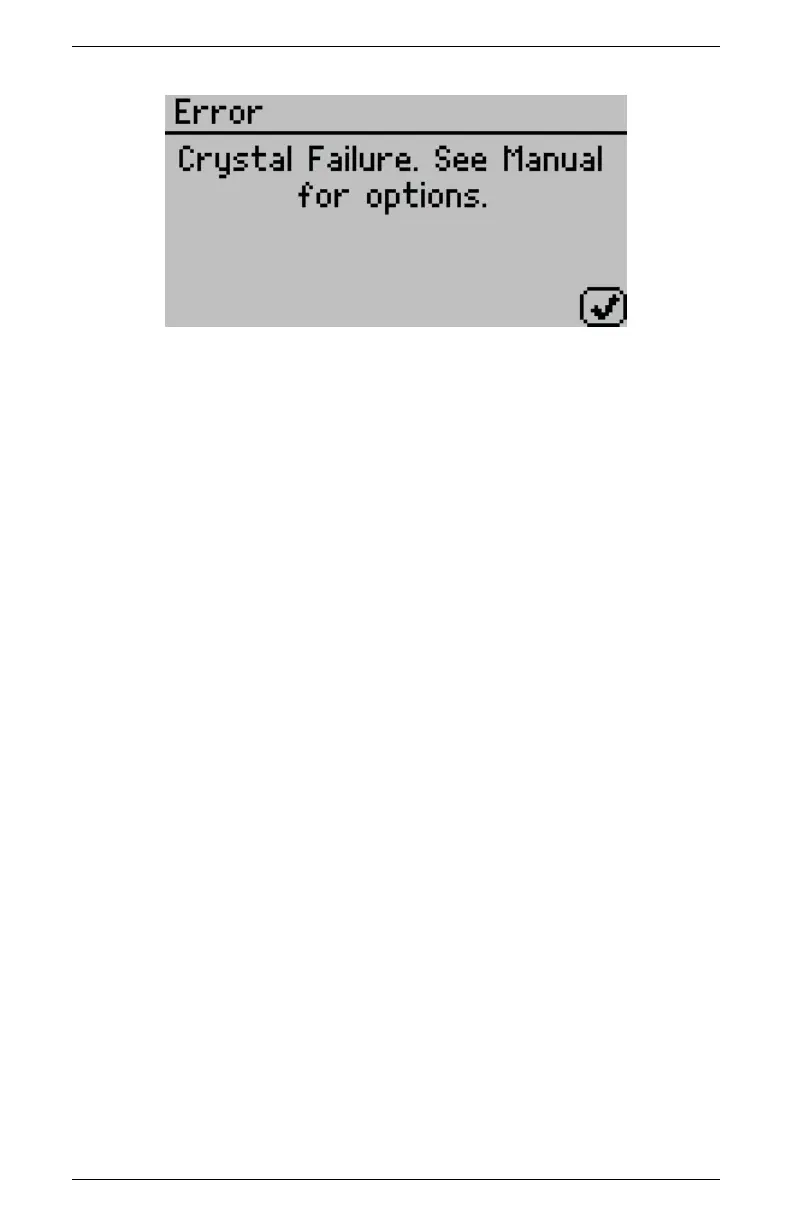
The crystal that runs the firmware is having trouble starting. Occa-
sionally, cycling the power solves the problem. If this message con-
tinues to appear, the instrument needs to be serviced by Decagon.
See Section 13 for detailed instructions.
8. PROBLEM:
Verification is not correct.
SOLUTION:
1. The sample chamber and mirror need to be cleaned. See Sec-
tion 6 for detailed cleaning instructions. If verification is still
not correct, then linear offset has occurred.
2. Verify and Adjust for Linear offset. After you have cleaned
the sample chamber and mirror (Section 6) use a Verification
Standard to verify and adjust for Linear offset as described in
Section 7.
9. PROBLEM:
Message on screen displays “Contaminated mirror.”
77



 To Next Page