CONTROLLER COMISSIONING INSTRUCTIONS
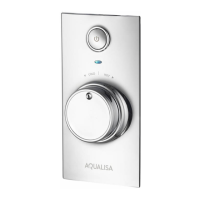
Reinstate the electrical supply to the Aqualisa SmartValve™. Press the ‘Start/Stop’
button on the controller to turn the shower on.
4
Turn on the power supply to the Aqualisa SmartValve
TM
.
1
Run the shower at maximum temperature (factory pre set to 45ºC). If required, the
maximum temperature can be adjusted. (Refer to Safety Information for guidance).
2
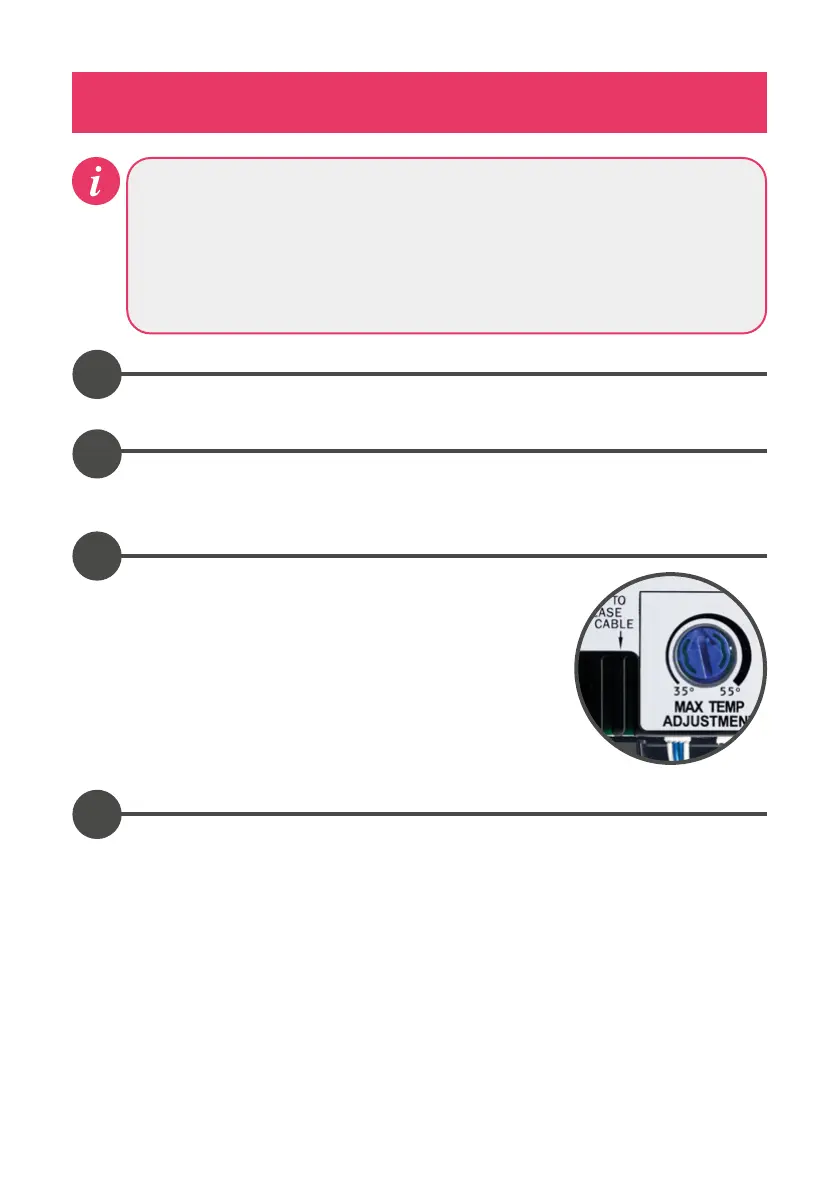
To adjust the maximum temperate, isolate the power
supply to the Aqualisa SmartValve
TM
.
Using a flat bladed screwdriver adjust the ‘MAX
TEMP ADJUSTMENT’ control as indicated. When the
temperature has been set to the desired position,
carefully replace the Aqualisa SmartValve™ lid and
secure the fixing screw, hand tight only.
3
When the power supply to the Aqualisa SmartValve™ is turned on the controller
will automatically go into a set-up / configuration sequence.
Whilst in the set-up sequence the controller will display flashing LED’s or
a message on the display screen, this process can take up to 2 minutes to
complete.
The controller is ready to use once the configuration process has finished.




 To Next Page