4.2 IGNITION
Open the manual gas supply line cock, located outside of the boiler. Push to the SUMMER
or WINTER position: the boiler should ignite automatically. If the boiler does not ignite you
will see a failure in the display.
4.3 SUMMER MODE
For domestic hot water only.
Push MENU to SUMMER position. Set the domestic water temperature adjustment to the
desired setting. The domestic hot water production is activated.
4.4 WINTER MODE
For heat and domestic hot water.
Push MENU to WINTER position. Set the heating temperature adjustment to the desired
setting. Room thermostat will keep the desired value.
4.5 BREAK DOWN SIGNALS
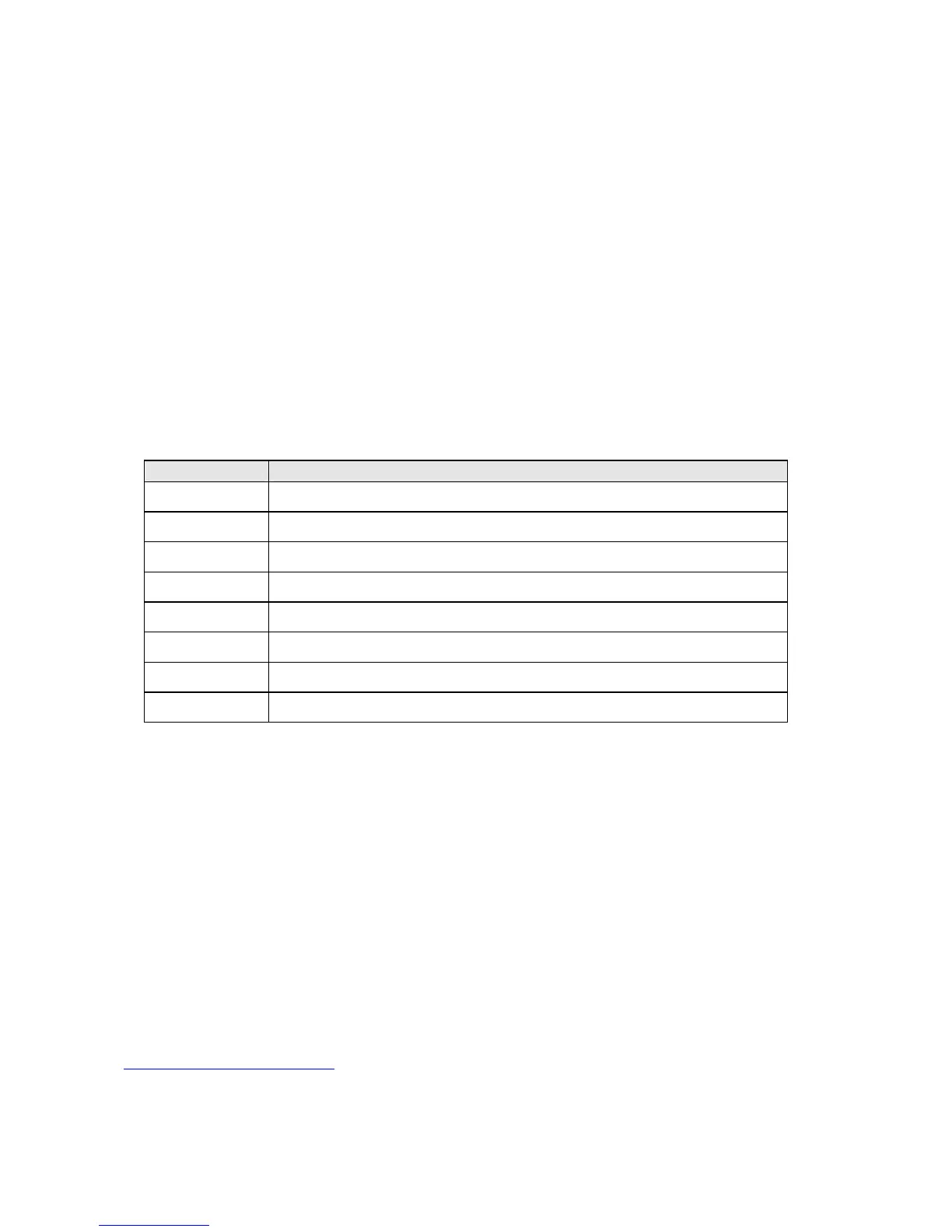
CODE DESCRIPTION
01 LOCKOUT due to not ignition
02 Failure of heating system pressure
1
03 Failure of external sensor
04 Failure of heating sensor
05 Failure of DHW sensor
06 LOCKOUT due to high temperature
08 Air pressostat failure/flue gas thermostat
09 Not water circulation
4.6 TEMPORARILY TURNING BOILER OFF
You can achieve it by means of:
- the room thermostat ;
- the MENU on the instrument panel;
4.7 LONG TERM SHUT DOWN
If the boiler is to remain off for a long period of time, close the gas cock to the boiler. Before start- up,
manually turn the rotating part of the circulator pump in case it froze (slightly stuck) during the down time.
4.8 SUGGESTIONS
Once a year the boiler should be cleaned and checked to make sure that all components are working
properly. Do not adjust the gas valve, this is to be done only by a licensed authorized technician.
If there is a lockout, turn knob to reset position. If the problem happens often, call a
licensed authorized technician.
27
1
Anomaly is visualized and prevented the starting the burner for P < 0,25 bar. The starting of the burner is allowed for P
> 0,4 burner
Subsequently to anomaly the burner starts correctly working after the pressure of heating system is corrected. To return
to the normal visualization press the P2 button.
Through parameter P6 is possible to start the burner however even if it foresees anomaly pressure plant, that comes all
the same visualized.


 To Next Page