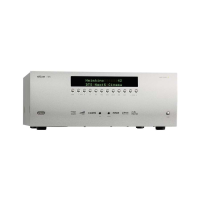
Using the remote control
NOTE
Remember to install the two AAA batteries supplied
before trying to use your remote control.
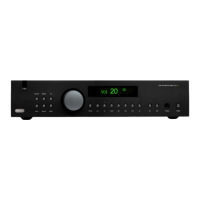
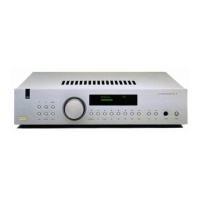
Do not place anything in front of the FMJ badge on
the top left of the amplifier (where the IR receiver is
located), or the remote control may not work.
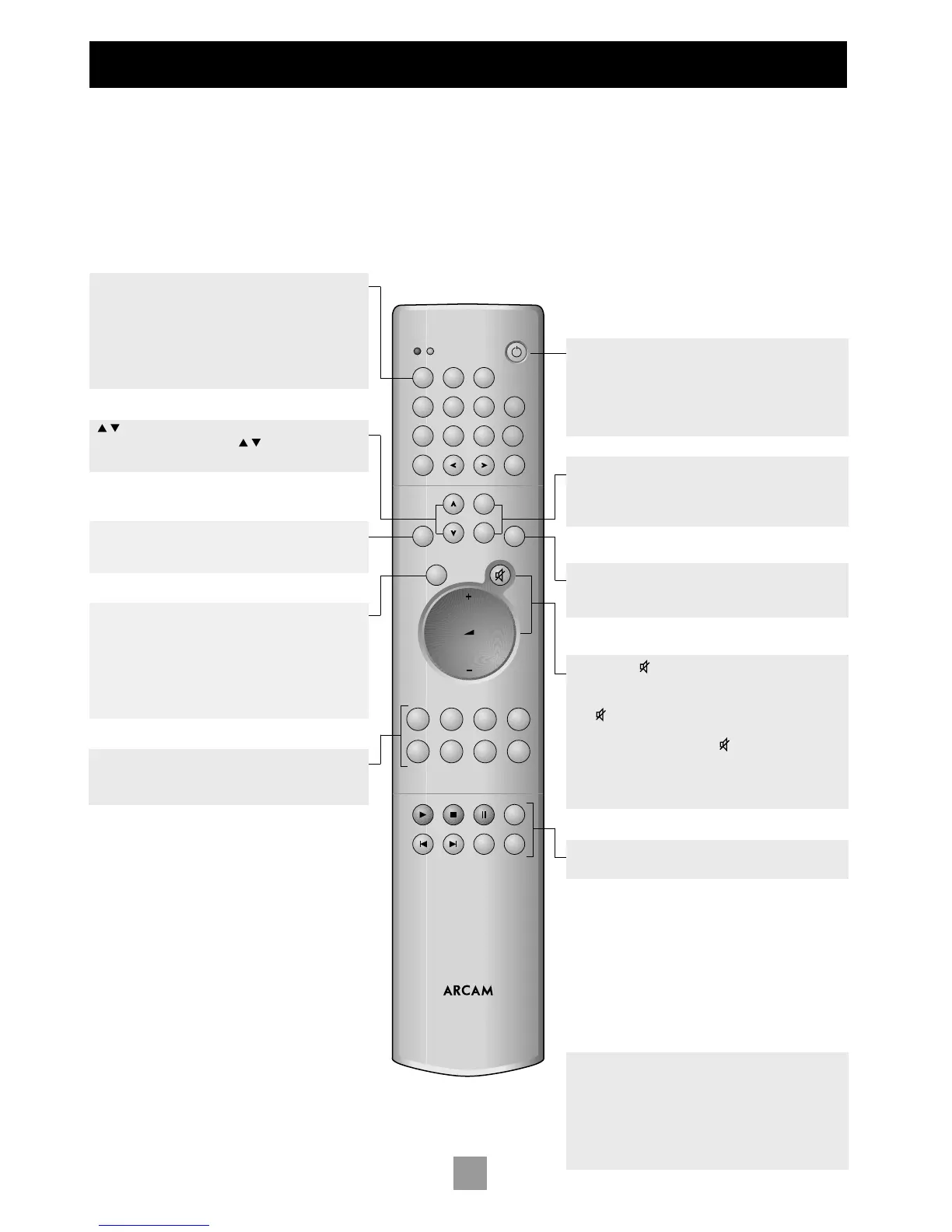
CR-389 REMOTE CONTROL
The CR-389 remote control gives access to all functions available on
the front panel of the A32. It also has controls to operate Arcam CD
players, AM/FM tuners and DAB tuners. The remote control transmits
Philips RC-5 type codes.
TUNER
These buttons are used to control tuner functions.
Note that the FM/DAB lights indicate into which mode you are
switching the remote control. The lights only illuminate for five
seconds to conserve battery power.
If neither light is illuminated this does not mean that the
remote control is not working!
(UP and DOWN)
Perform the same function as the buttons on the front
panel (see page 7).
SELECT
Performs same function as the SELECT button on the front
panel. It allows you to use the remote’s volume switch in the
same way you use the control dial on the front panel – to
adjust various amplifier settings (see page 7).
Note that pressing + corresponds to turning the
Control knob clockwise, – to anticlockwise.
ENTER
Performs the same function as the ENTER button on the front
panel (see page 7).
Source selection buttons
These operate in the same way as the source selectors on the
front panel of your integrated amplifier.
Power/Standby
Toggles the amplifier between standby mode and full power
mode. The power indicator light next to the power button on
the front panel is red if the amplifier is in standby, amber while
the amplifier is powering up (this only takes a few seconds) and
green when the amplifier is powered up.
SP1 and SP2
These buttons allow you to select and deselect the main (SP1)
and secondary (SP2) sets of speakers attached to your amplifier
(see page 7).
DISP (display)
Cycles through the settings ‘Bright’, ‘Off’ and ‘Dim’. Turning the
display ‘Off ’ generally gives a slight improvement in sound quality.
Volume and (mute)
Press + to increase volume or – to decrease the output volume
of the amplifier.
Press to mute the speaker connections and preamp outputs.
Both tape outputs and the headphone socket remain active.
Mute is disabled either by pressing again, or by adjusting the
volume.
You can use the remote’s volume control in conjunction with
the SELECT button to adjust balance, tone and amplifier settings.
CD controls
These offer basic control of Arcam CD players



 To Next Page