7
English
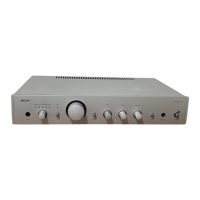
Using your A32 integrated amplier
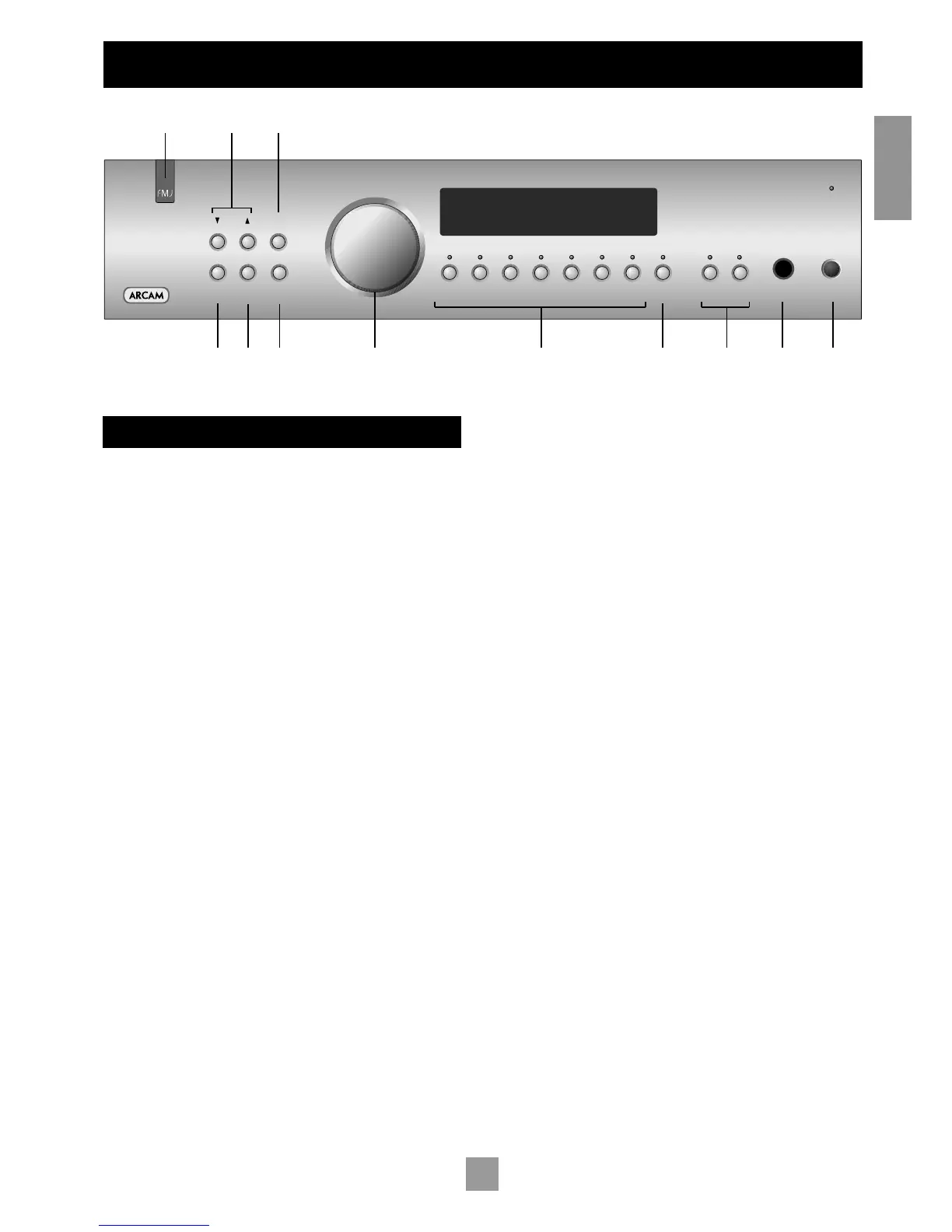
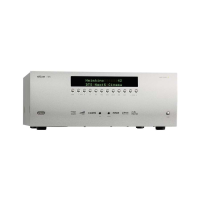
FRONT PANEL CONTROLS
This section describes how to operate your amplifier.
If your amplifier has not been installed for you, you should first read the
section ‘Installation: A32’ on page 5.
POWER (and power indicator light)
bm
Switches the unit on and off. (You can also switch the amplifier into
standby mode with the remote control handset.)
The light indicates the status of the amplifier. A red light means the
amplifier is in standby mode (press the POWER/STANDBY button on the
remote control, or the POWER button on the front panel, to switch
between standby and powered-up modes).
Source selectors
8
These buttons select the source connected to the corresponding
input. A light above the relevant button indicates which input is
currently selected and it will also usually be shown on the display.
Note that the VCR input may be used with a VCR or a second recording
unit (e.g. cassette deck).
TONE
9
Switches the tone circuits on and off, including settings for individual
sources. Note that the tone LED does not light unless a tone control
setting has been made. (see page 9).
Control knob, SELECT and ENTER
746
The control knob has two functions:
as a volume control, to adjust the output of loudspeakers and
headphones connected to the amplifier, and of the pre-amp
output (PRE OUT).
when used in conjunction with the SELECT and ENTER buttons, to
customise amplifier settings (see page 9).
Volume control settings
It is important to realise that the position of the volume control is not
an accurate indication of the power delivered to your loudspeakers.
The amplifier often delivers its full power long before the volume
control reaches its maximum position, particularly when listening to
heavily recorded compact discs. However the amplifier also has to be
capable of giving full power output from much lower level sources, such
as tuners and cassette decks. Using these sources, the volume control
setting may be much higher before distortion (audible overload) sets
in. To compensate for this, the input levels of each source may be
individually adjusted to avoid accidental overload (see page 9).
SP1 and SP2
bk
These buttons allow you to select and deselect the main (SP1) and
secondary (SP2) set of speakers attached to your amplifier.
The light above each button glows if the corresponding speakers are
currently selected. If both lights are out the amplifier will appear not
to work, as all speakers are switched off! If both are on, with two
pairs of low impedance speakers connected, overloads are more
likely. Overloading the amplifier may cause it to shut down because
of overheating.
PHONES
bl
This socket accepts headphones with an impedance rating between
8Ω and 2kΩ, fitted with a 1/4-inch stereo jack plug. If you wish to listen
on headphones only, use the SP1 and SP2 buttons (if necessary) to mute
the speakers.
The headphone socket is always active. To avoid possible damage,
always disconnect headphones prior to switching the amplifier on or
off.
Remote control receiver
1
The remote control’s infrared receiver is positioned behind the ‘FMJ’
badge. Ensure the receiver is in a clear line of sight from the remote
control to allow signals to be received.
MODE, UP and DOWN
2
5
These buttons are mainly for use with future optional modules,
however the UP and DOWN buttons are used with the basic A32
amplifier to move the cursor when customising the ‘Welcome
message’ (see page 9).



 To Next Page