14
7) pulse frequency adjust
:
to adjust the output current pulse frequency.
8) remote control
Adjustable welding current depending on the TIG torch of potentiometer/or foot pedal. (not included in
basic package)
4.3.2 Welder operation description for MMA function
Connecting the electrode holder and workpiece lead
• Insert cable plug of the electrode holder into either the "+" or "-" welding current connection socket and
lock by turning to the right.
• Insert cable plug of the workpiece lead into either the "+" or "-" welding current connection socket and
lock by turning to the right.
Polarity depends on the instructions from the electrode manufacturer given on the electrode packaging.
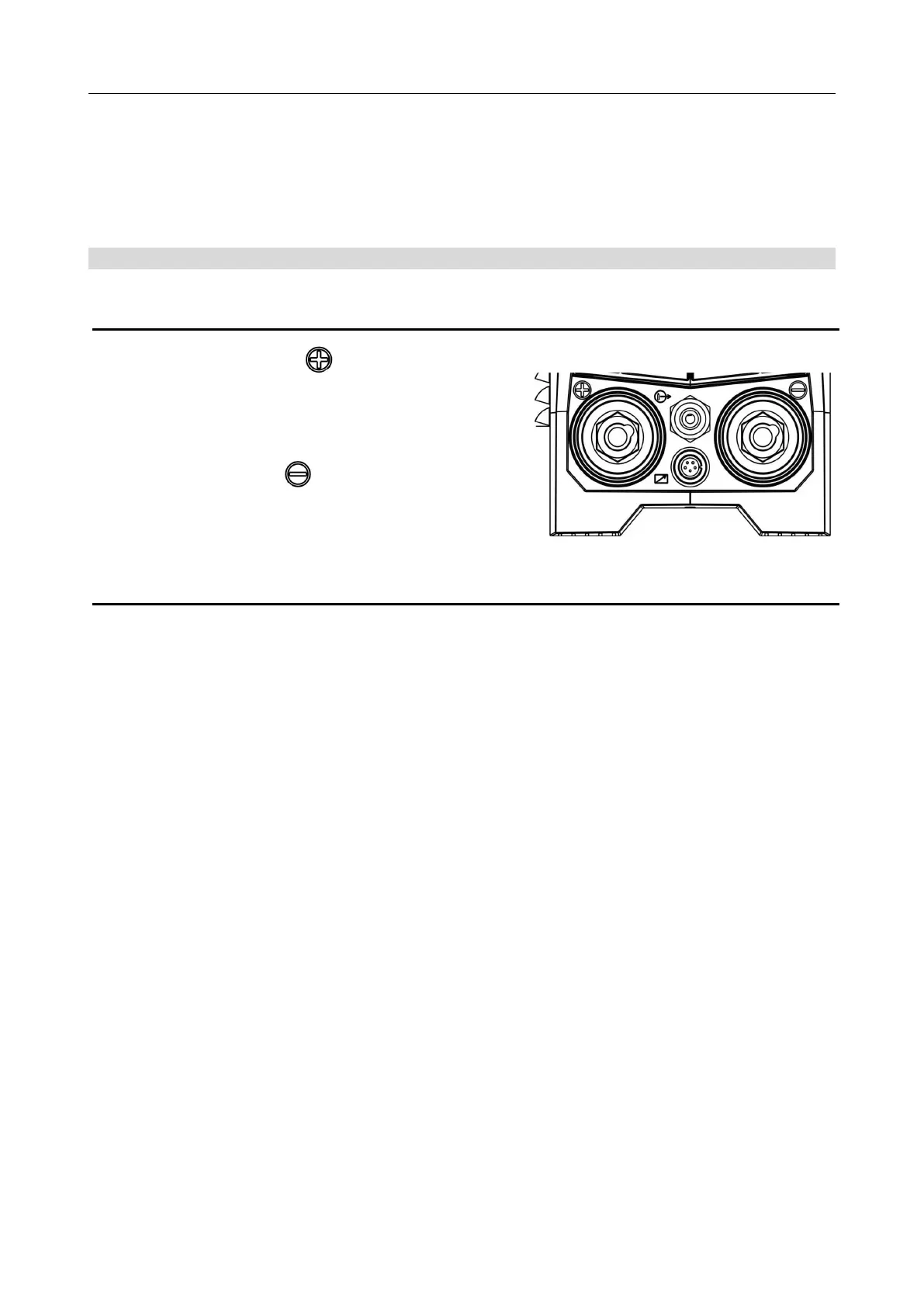
1. Connection socket for " " welding current
Electrode holder or workpiece lead connection
2. Connection socket, “ ” welding current
Workpiece lead or electrode holder connection
Pic12 Lower part of front panel
Digital Welder Expert, Know You More
https://www.arccaptain.com



 To Next Page