NetDSL Manager
4-3
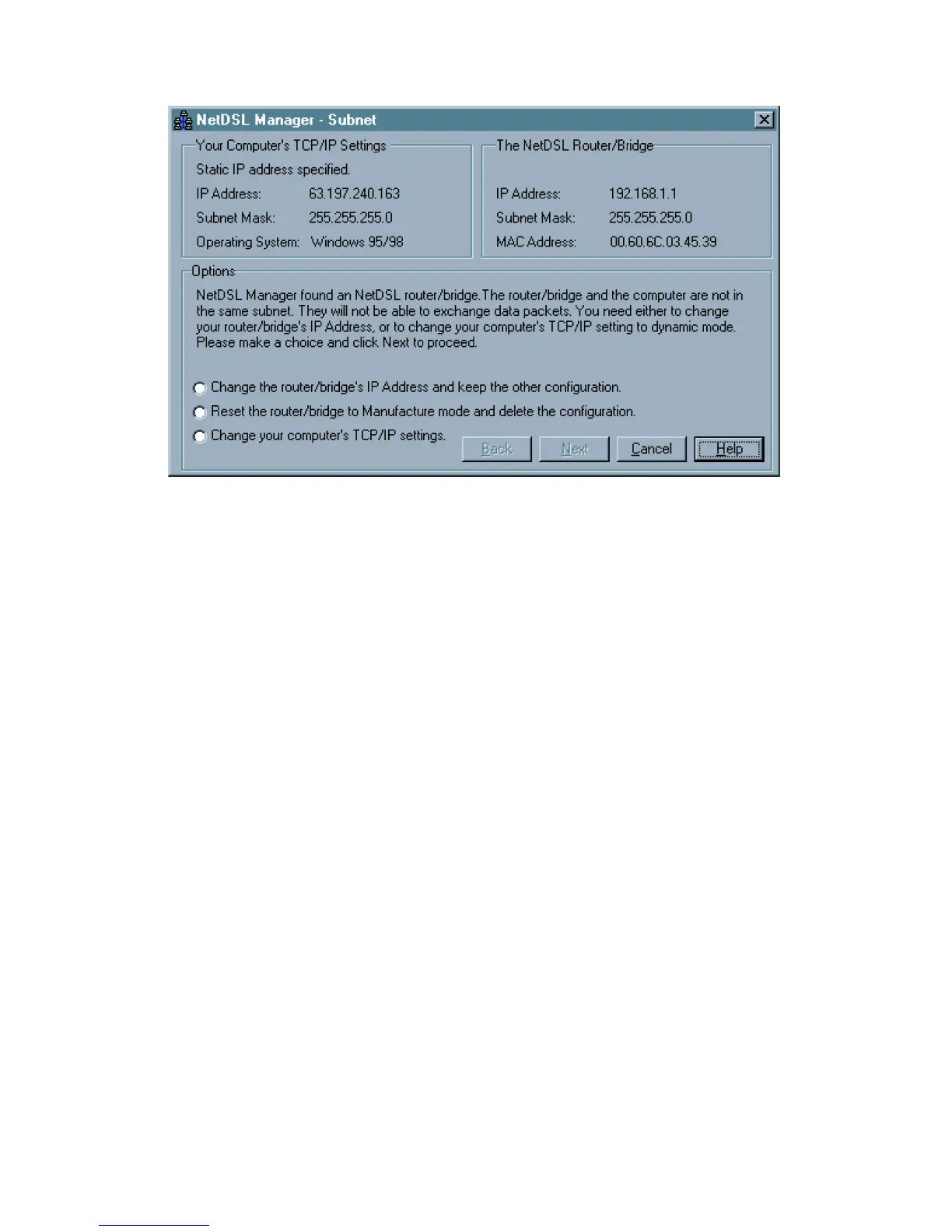
Figure 4.2 Subnet window
If the NetDSL Manager is unable to detect the modem or it gives you an error
message, consult the on-line help menu for more detailed instructions.
To continue, select a modem and click Enter. You will automatically enter the
NetDSL Manager. From the NetDSL Manager you can use any one of the
following features:
• Configuration to get your modem up and running.
• Status to monitor many of your modem’s operations.
• Tools offers some basic utilities for maintenance of your modem.



 To Next Page