Operation Instructions
5
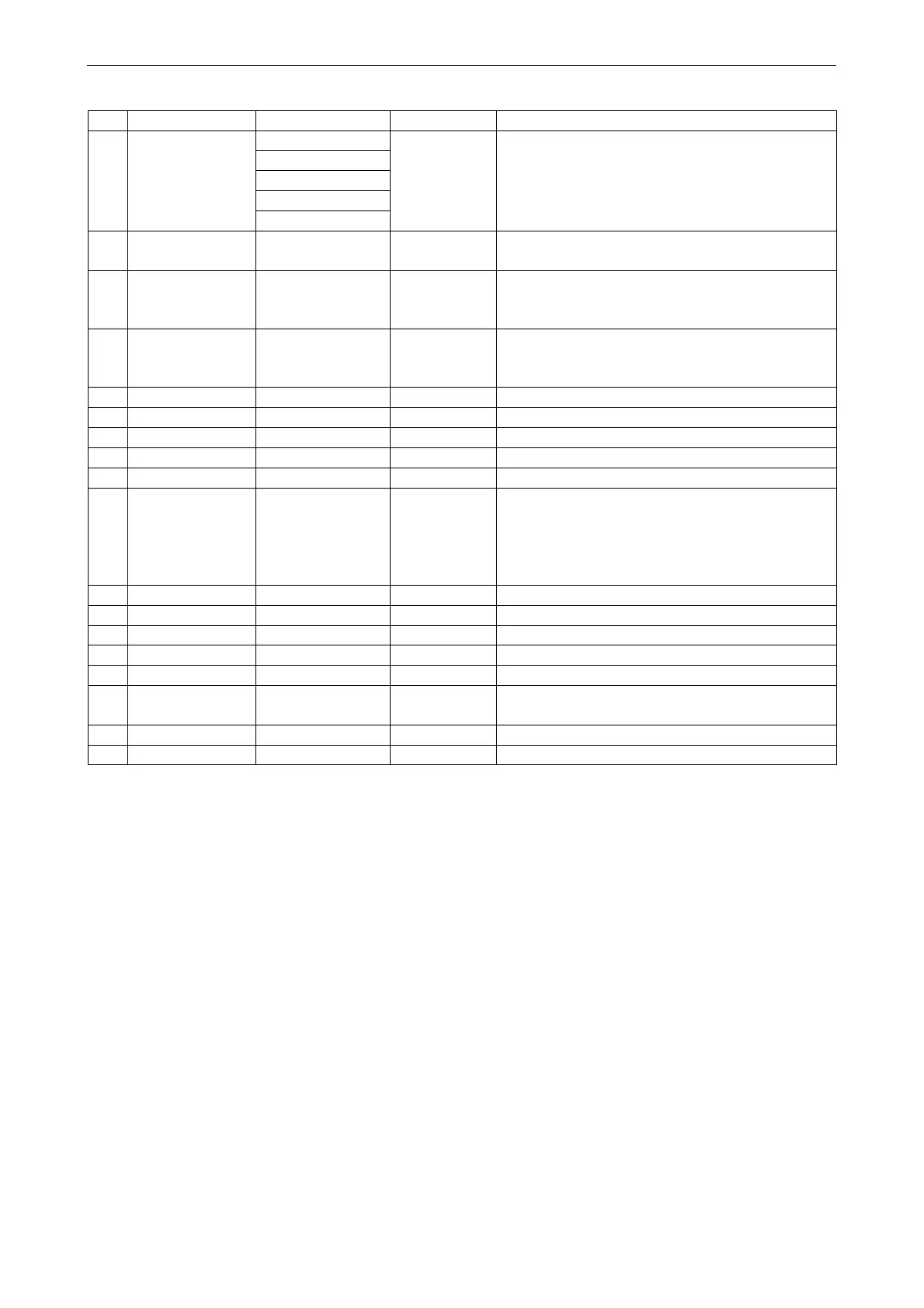
No Item Range Default Remarks
1 Mode
Cool
Heat
1. When the water tank is unavailable, then only
“Cool” and “Heat” are available.
2. For the heating only unit, only "Heat" mode, “Hot
water”, and “Heat + hot water” are available.
Heat
Hot water
Cool + Hot water
Heat + Hot water
2 Fast hot water On/Off Off
1. When the water tank is unavailable, it will be
reserved.
3 Cool + hot water Cool/Hot water Cool
1. When the water tank is available, it will be
defaulted to be “Hot water”; when unavailable, it will
be reserved.
4 Heat + hot water Heat/Hot water Heat
1. When the water tank is available, it will be
defaulted to be “Hot water”; when unavailable it will
be reserved.
5 Quiet mode On/Off Off /
6 Quiet timer On/Off Off /
7 Weather depend On/Off Off /
8 Weekly timer On/Off Off /
9 Holiday release On/Off Off
10 Disinfection On/Off Off
When the water tank is unavailable, it will be reserved
The disinfection date ranges from Monday to Sunday.
Saturday is defaulted.
23:00. The disinfection time ranges from
00:00~23:00. 23:00 is defaulted.
11 Clock timer On/Off Off /
12 Temp. timer On/Off Off /
13 Emergen. mode On/Off Off /
14 Holiday mode On/Off Off /
15 Preset mode On/Off Off /
16 Error reset / /
Some error can be cleared only when it has been
reset manually.
17 WiFi reset
It is used to reset the WiFi.
18 Reset / / It is used to reset all user parameter setting.
2.2.1 Mode
[Operation Instructions]
At the function setting page with the unit turned off, by touching “Mode”, it will go to the mode setting page, where
desired mode can be selected. Then by touching “OK” this setting will be saved and the display panel will back to the
function setting page.



 To Next Page