Operation Instructions
6
[Notes]
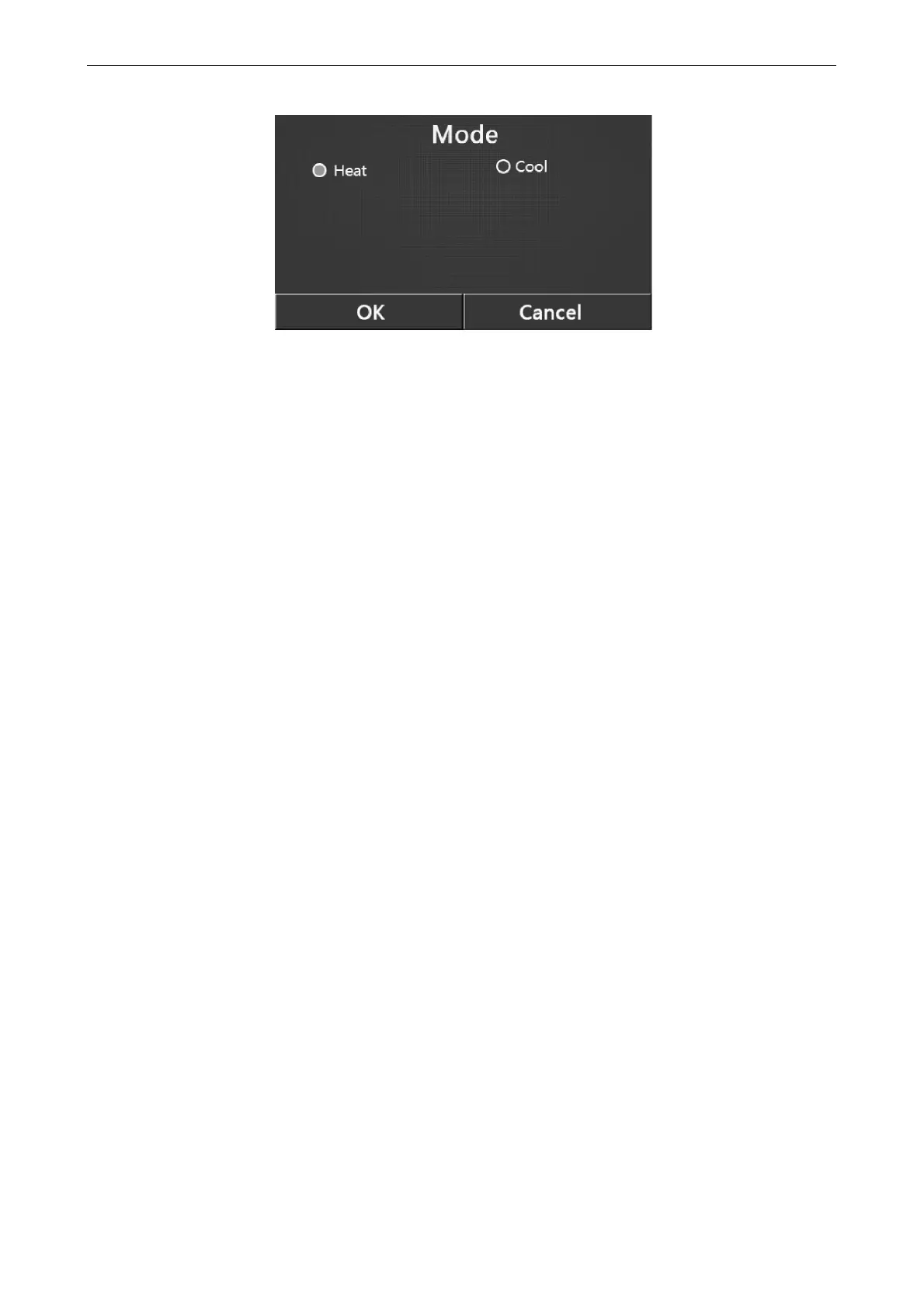
The default mode is “Heat” upon first power-on.
Mode setting is allowed only when the unit is turned off, otherwise a dialog box will pop up, saying “Please turn off
the system first!”
When the water tank is unavailable, only 'Heat” and “Cool” mode are allowed.
When the water tank is available, “Cool”, “Heat”, “Hot water”, “Cool+ Hot water”, and “Heat+ Hot water” are
allowed.
For the heat pump, the “Cool” mode is allowed; for the heating only unit, “Cool+ Hot water” and “Cool” are
unallowable.
This setting can be memorized upon power failure.
2.2.2 Fast Hot Water
[Operation Instructions]
At the function setting page with the unit turned off, by touching “Fast hot water”, the display panel will go to the
corresponding setting page, where desired option can be selected. Then by pressing “OK” this setting will be saved and
the display panel will back to the function setting page.
[Notes]
This function can be set to “On” only when the water tank is available. When the water tank is unavailable, this
function will be reserved.
It will be memorized upon power failure.
2.2.3 Cool + hot water
[Operation Instructions]
At the function setting page with the unit turned off, by touching “Cool + hot water”, the display panel will go to the
corresponding setting page, where desired option can be selected. Then by pressing “OK” this setting will be saved and
the display panel will back to the function setting page.
[Notes]
When the water tank is unavailable, it will be reserved; when it is unavailable, the default priority will be given to
“How water”.
It will be memorized upon power failure.
2.2.4 Heat + hot water
[Operation Instructions]
At the function setting page with the unit turned off, by touching “Heat + hot water”, the display panel will go to the
corresponding setting page, where desired option can be selected. Then by pressing “OK” this setting will be saved and
the display panel will back to the function setting page.
[Notes]
When the water tank is unavailable, it will be reserved; when it is unavailable, the default priority will be given to
“Hot water”.
It will be memorized upon power failure.



 To Next Page