Enable Automatic Recognition Mode
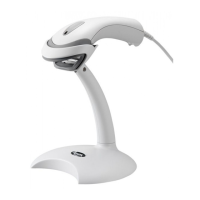
When the self sensing mode is configured to be open,The scanning gun
can decode automatically by scanning lens before the bar code
Enable auto-sensing scan Mode
Screen Reading Mode
When you turn on this mode, Scanners can be decoding the codes on
phone or computer. However, Turn on this code will be cause lower speed when
scanning printing codes. The default is turn off.
.
Disable screen reading mode(Default)
Enable screen reading mode
Focus Mode
When focus mode is turn on, The scanner only identified the focus codes
scanners lens covering, The default is turn off.


 To Next Page