Interleaved 2 of 5
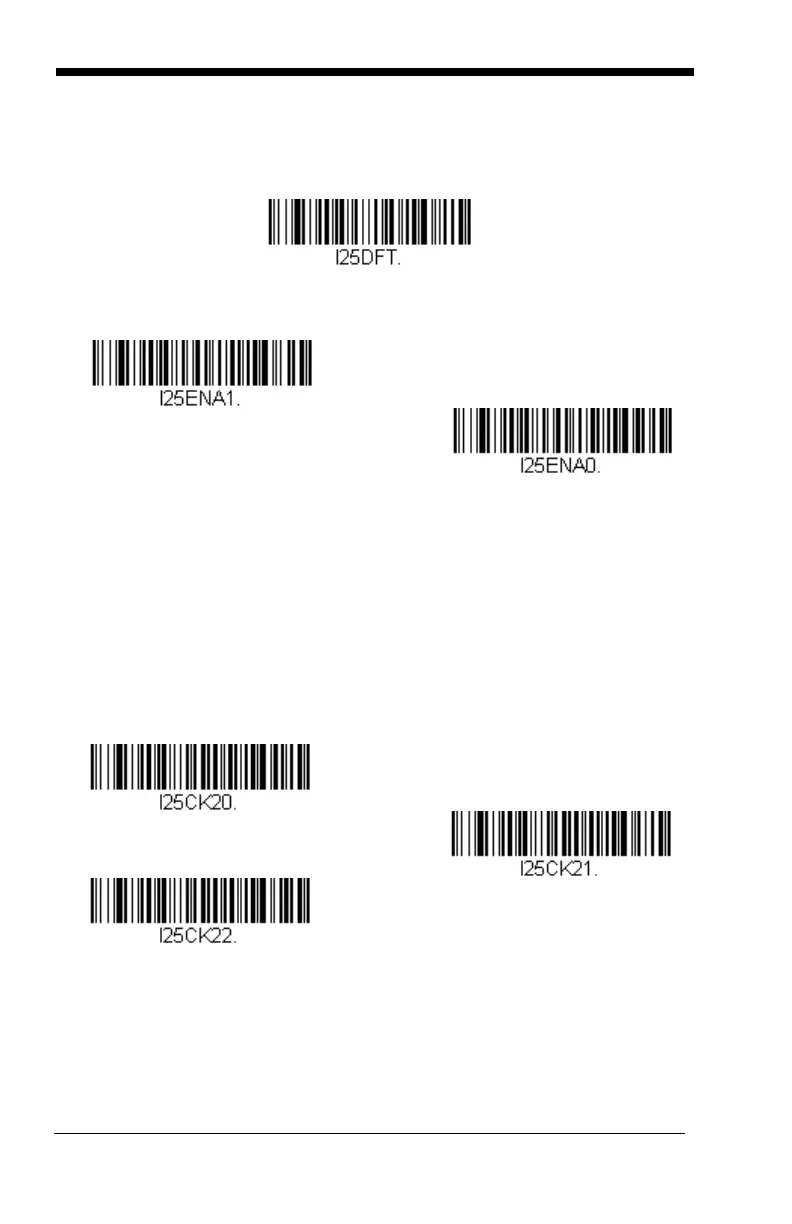
< Default All Interleaved 2 of 5 Settings >
Interleaved 2 of 5 On/Off
* On
Check Digit
Off
No Check Digit indicates that the scanner reads and transmits bar code
data with or without a check digit.
When Check Digit is set to Validate, but Don’t Transmit, the unit only
reads Interleaved 2 of 5 bar codes printed with a check digit, but will not
transmit the check digit with the scanned data.
When Check Digit is set to Validate and Transmit, the scanner only reads
Interleaved 2 of 5 bar codes printed with a check digit, and will transmit this
digit at the end of the scanned data. Default = No Check Digit.
* No Check Digit
Validate and Transmit
Validate, but Don’t Transmit


 To Next Page