ARIESAUTOMOTIVE.COM • NEED ASSISTANCE? • 877.287.8634 • AL234045-INS-RE • PAGE 4
Step 9
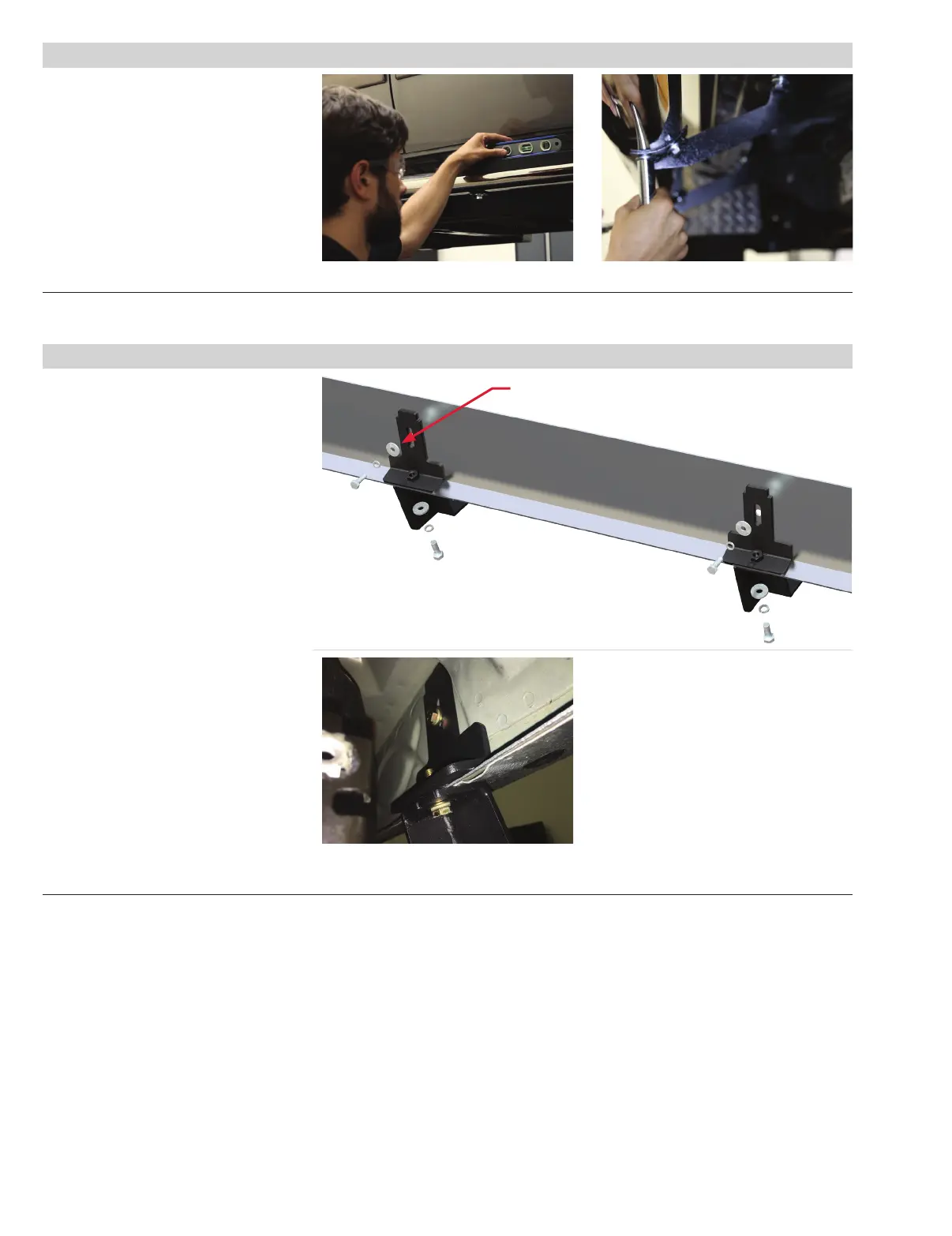
Ensure the vehicle is on level ground.
Use a bubble level ensure the side bar
is level and parallel with the side of the
vehicle. Make adjustments to the bracket
positions and rotate the side bar as
necessary.
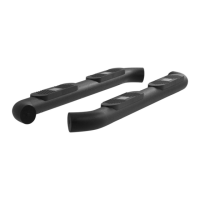
With the side bar aligned, tighten all the
hardware on the brackets to the vehicle.
Double check that the side bar is level
and finalize the install by tightening all the
hardware securing it to the brackets.
Step 10
Locate the front mounting point on the
passenger side of the vehicle to install
the front two passenger mounting
brackets.
Note: If there is a Def tank you will not
be able to insert the M8 hardware on
front upper bracket.
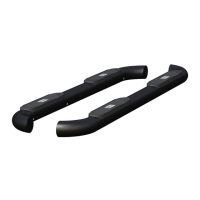
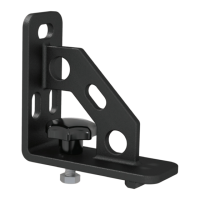
Place the upper mounting bracket
against the rocker panel. Align the weld
nut on the upper mounting bracket with
the mounting hole in the rocker panel.
Secure the top mounting bracket to the
rocker panel using an M8 hex bolt, M8
lock washer and M8 flat washer.
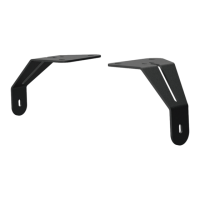
Align one of the passenger front
lower mounting brackets with the
upper mounting bracket. Secure the
two mounting brackets together using
an M10 hex bolt, M10 lock washer
and M10 flat washer.
Torque all M10 hardware to 31.6 ft-lbs.
Repeat this process to install the
second passenger mounting bracket.
Snug the hardware,
but do not fully tighten.
Rear
Front
M8 hardware is not
used with DEF tank


 To Next Page