15
Lock-Out Procedures
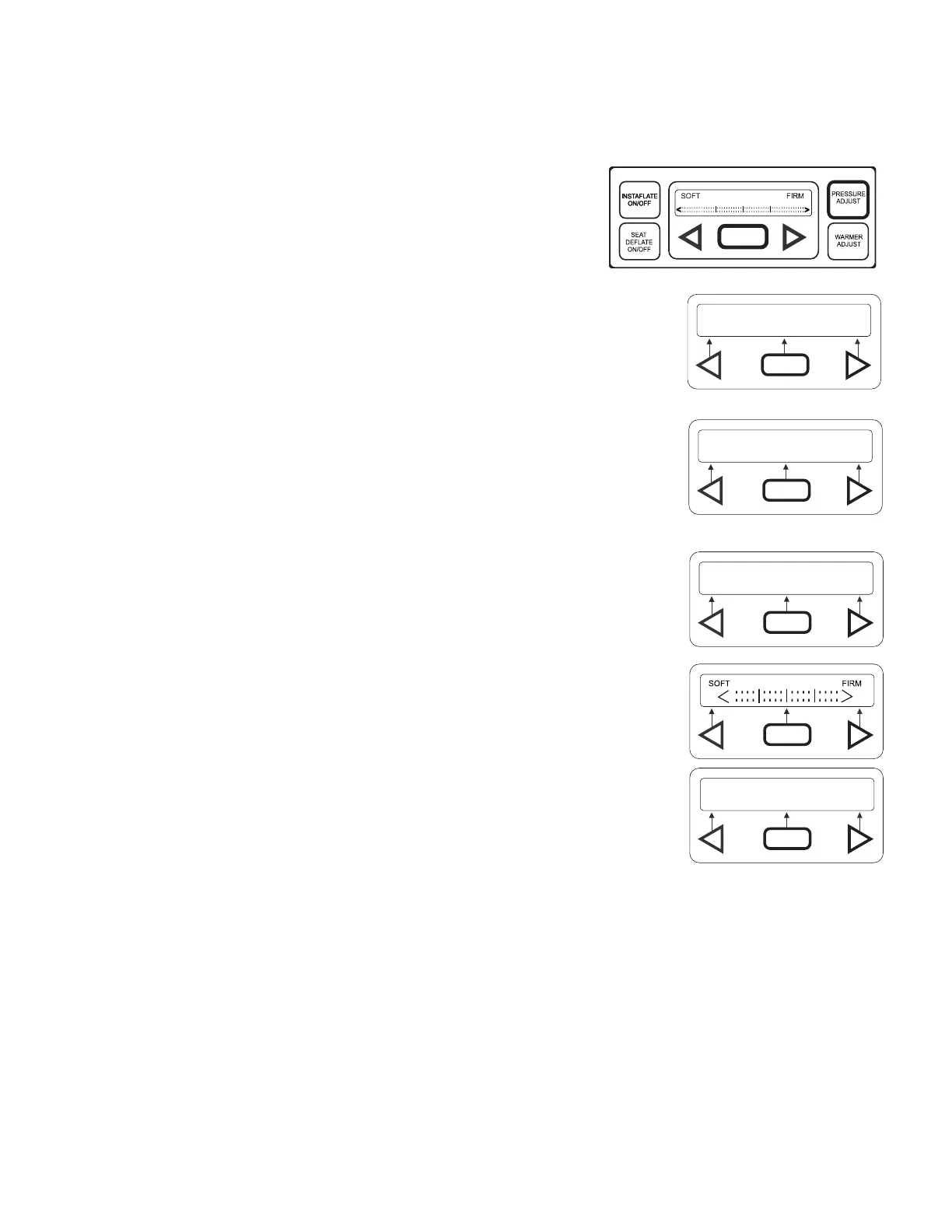
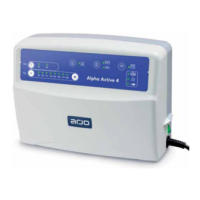
Use lock-outs to disable buttons on the control panel to ensure against unauthorized tampering after air pressures and warmth
have been adjusted to individual patient needs.
Lock-outs can be activated to disable either the pressure adjust button only, or all buttons on control panel.
All Button Lock-out
1. With home display showing, press and hold PRESSURE ADJUST.
The screen shown at right will appear temporarily.
• Release PRESSURE ADJUST button when Lock-Out Activated display appears.
• Display will return to home display.
2. To deactivate All Button Lock-Out press and hold PRESSURE ADJUST button while each
display shown at right appears temporarily.
• Release PRESSURE ADJUST button when Lock-Out Released display appears.
• Display will return to home display.
PRESSURE
HT/WT
ADJUST
MANUALEXIT
LOCK-OUT ACTIVATED
LOCK-OUT ACTIVATED
LOCK-OUT RELEASED





 To Next Page