WATER CIRCULATOR TEMPERATURE CONTROLLER.
The parameters for the Temperature Controller have been factory set to values
suitable for most general purpose operations and it is not normally required to change
them. However should the settings be lost, or need to be changed for unusual
configurations, this section provides the details on how to do this.
To Set Up the Alarm
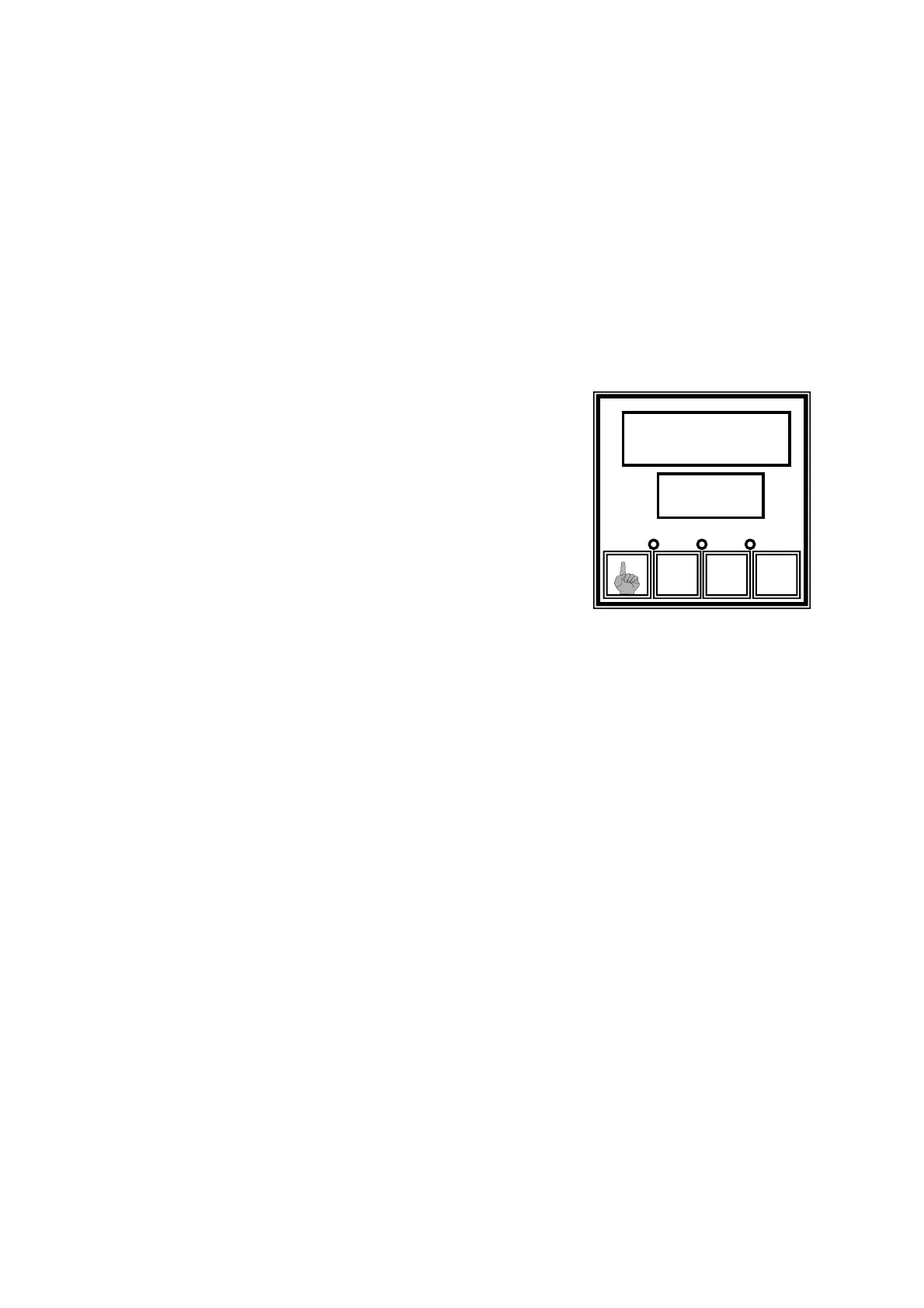
To set the low temperature alarm, press the F and raise keys simultaneously, the upper
display will then display 0. Use the raise/lower keys to indicate the UNLOCK value
which allows access to the set up mode. The unlock value
when the unit is delivered is 10 (this can be changed by
the operator if necessary). Press the F key to scroll round
the various set up parameters until L_A1 appears in the
lower display, the process low alarm value appears in the
upper display. This is adjusted to the required value using
the raise and lower keys. When the value is entered, press
F and raise and keys simultaneously to return to the
normal display.
142
u t
F
1
2
AT ALM SET
142.3
Temperature Offset
There may be a slight offset between the temperature displayed on the controller and
the temperature displayed on the front panel display (T1). This can be corrected by
changing the Offset parameter (OFFS) on the temperature controller. See next section
for details on how to do this.
Care must be taken not to change any of the other controller parameters or incorrect
operation could occur.
These are the only adjustments that will be necessary for the operator to make in
normal operation.
40



 To Next Page