19
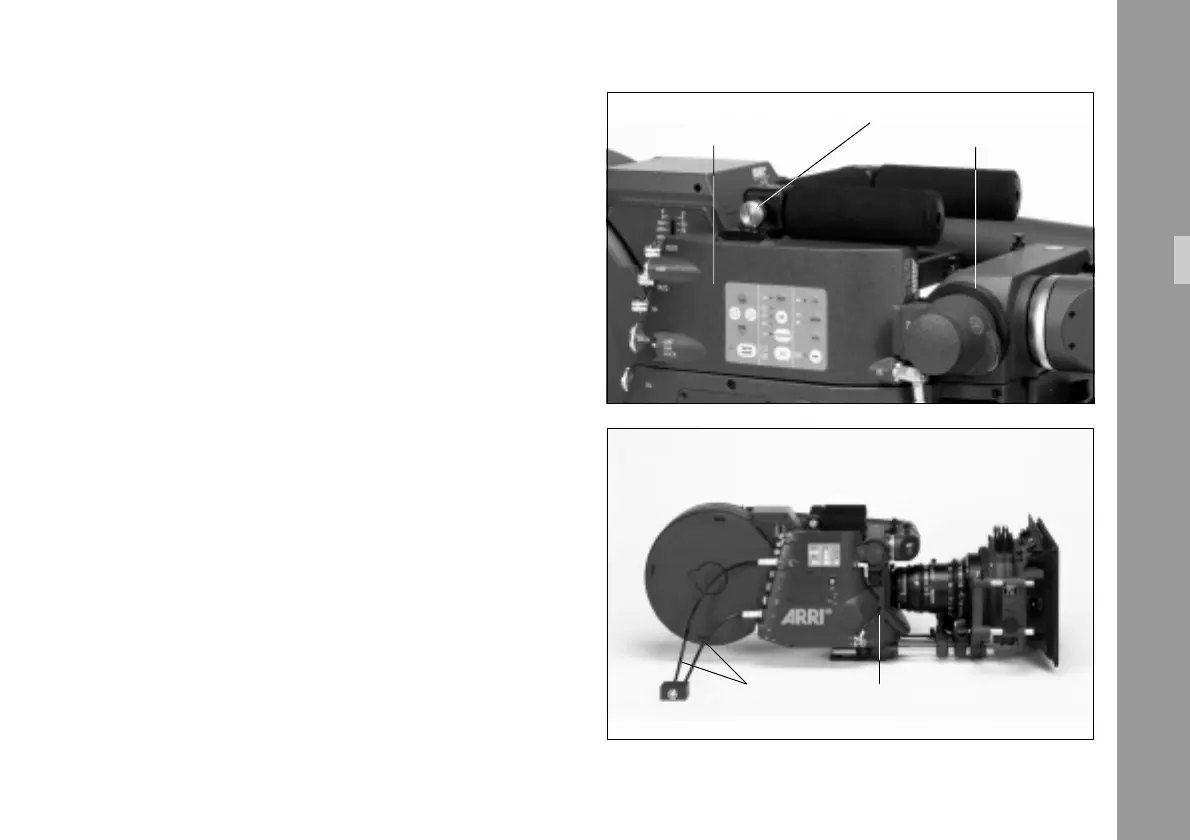
attachment screw § into the camera handle
without closing it and push the inserter/antiflicker module
as far to the right as possible. Close the attachment screw
on the camera handle.
• Secure the CCD optic module by closing the screw ring
§ clockwise.
4.2.3 Cabeling
• Connect the RS-cable § between the inserter/anti-
flicker module and the camera (RS-connectors). It is
recommended to observe the color coding to ensure
that the cable is as close to the camera as possible.
• Connect the data cable ZV4 § between the
camera (CCU-connector) and the IVS (data connector).
Without a data cable ZV4 Time-Code and Pull-Down in-
formation as well as data transfer to the IVS via the serial
interface are not available.
Note: If neither time code is used nor data is sent via
the serial interface, it is possible to work without
the data cable ZV4.
attachment screw
inserter/antiflicker module screw ring
RS cabledata cable ZV4
Setup



 To Next Page