38
MGC
MGC
ENTER
INSERT
MODE
STO
FR
WB
MGC
MM
ONON
ATW
ON
STO
CMP
COMPOSITE
Y/C
5.7 Switching between
Composite Video
and Y/C
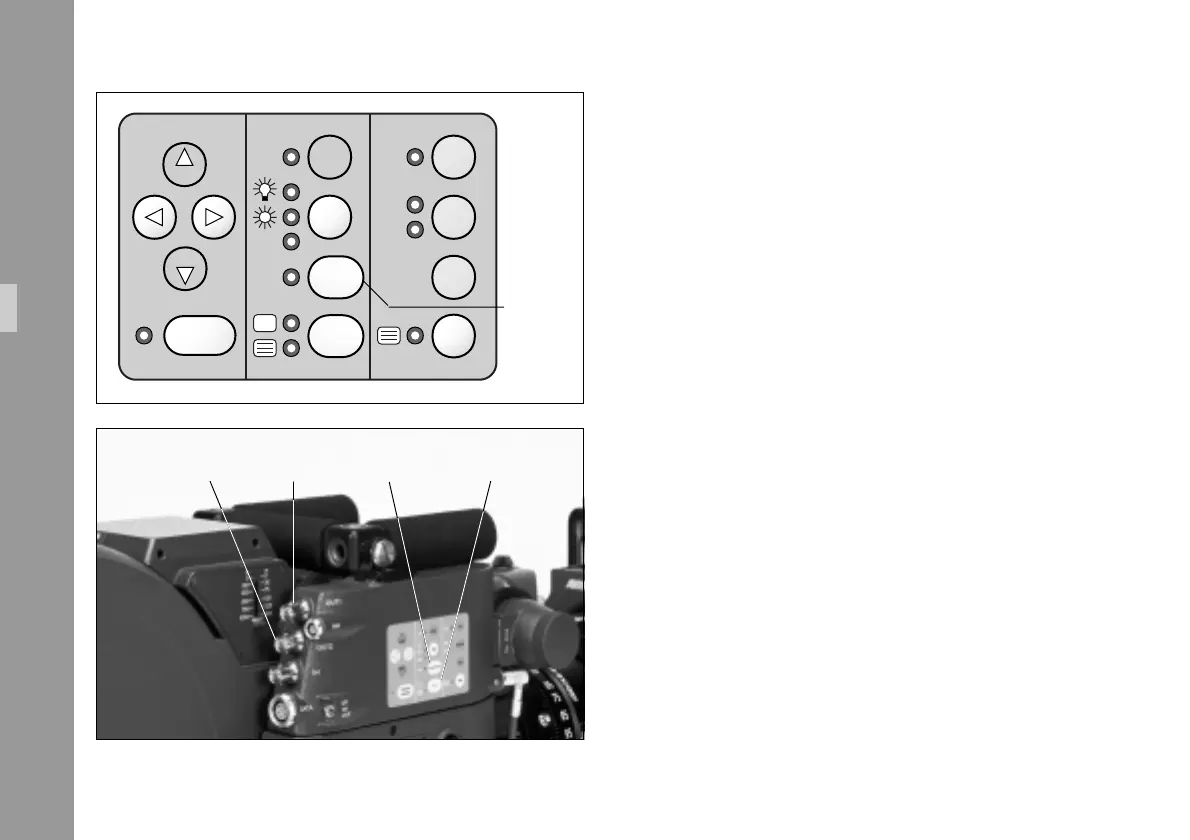
The IVS outputs video either as composite video or Y/C video.
As both signals use the same connector, it is possible to
switch between the two by pressing the COMPOSITE key (see
also chapter 4.2.6.1).
The LED indicates composite video on.
• Every time the COMPOSITE key is pressed, the signal on
the output connectors alters.
The signal on OUT 1 § changes from composite
video ”normal video” to Y signal and back.
The signal on OUT 2 § changes from composite
video ”video with data” to C signal and back.
COMPOSITE
key
OUT 1OUT 2 Y/C keyCOMPOSITE key
Standard Video Controls



 To Next Page