23
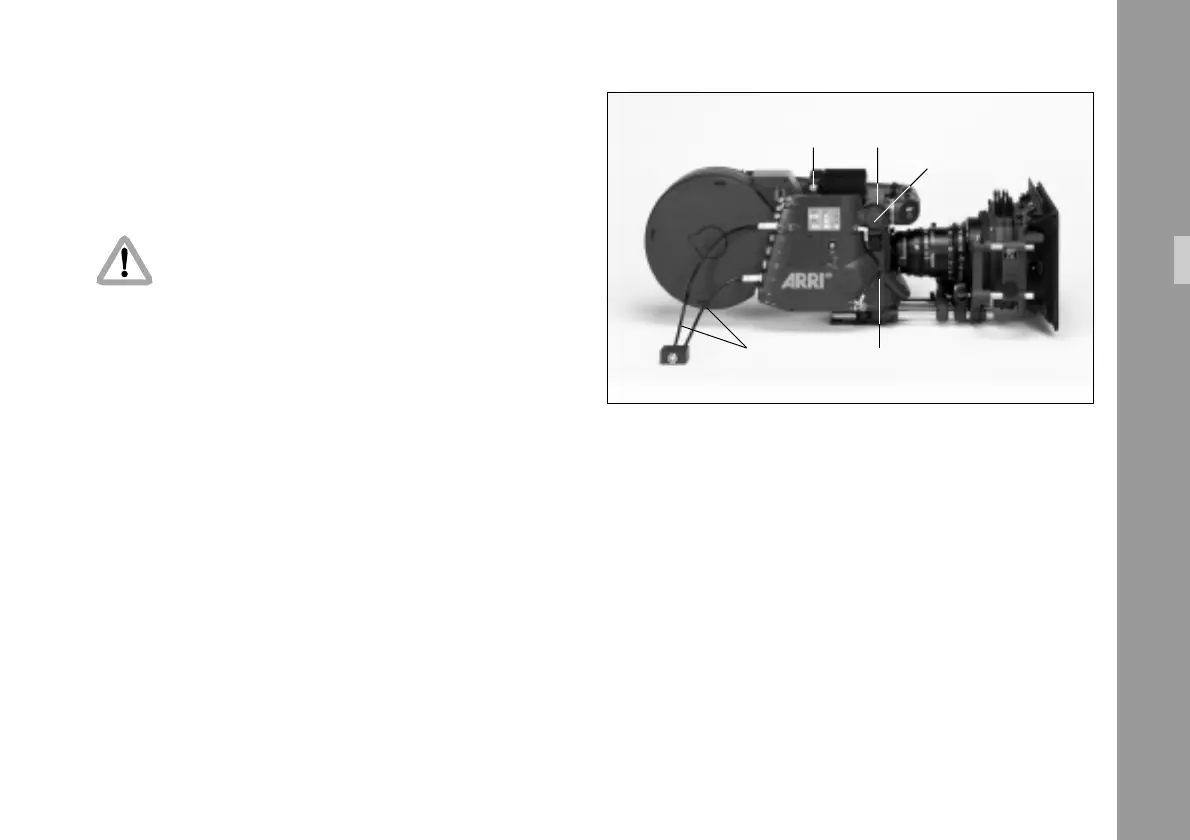
RS cabledata cable ZV4
attachment screw screw ring
cover
4.2.5 Changing the Optic
The following tools are needed to change the optic:
– 1.2 x 8 mm screwdriver or a coin
– 1.5 mm allen key
Disconnect camera from all power supplies.
Support the viewfinder system.
Do not touch optical surfaces.
All lenses must be clean.
Do not use force.
The video lens must be properly inserted into
the lens mount until the end of the thread.
Incomplete insertion might result in damage to
the beam splitter when attaching the unit to the
camera body.
• Disconnect the data cable ZV4 § if necessary.
• Disconnect the RS cable §.
• Take the inserter/antiflicker module off by opening the
attachment screw § and shifting the inserter/anti-
flicker module off to the left.
• Take the CCD optic module off by opening the screw
ring § on the CCD optic module and pulling
the module out.
• Remove the cover on the front of the CCD optic module
§ by turning it counter-clockwise to access the
alignment screw.
Setup



 To Next Page