45
T.V. SAFE / TRANSMITTED
SUB MENU
> FORMAT 1
POSITION
EDGE
WHITE
LEVEL 3
OUTSIDE FULL
EXIT
6.3 Format Markings Menu
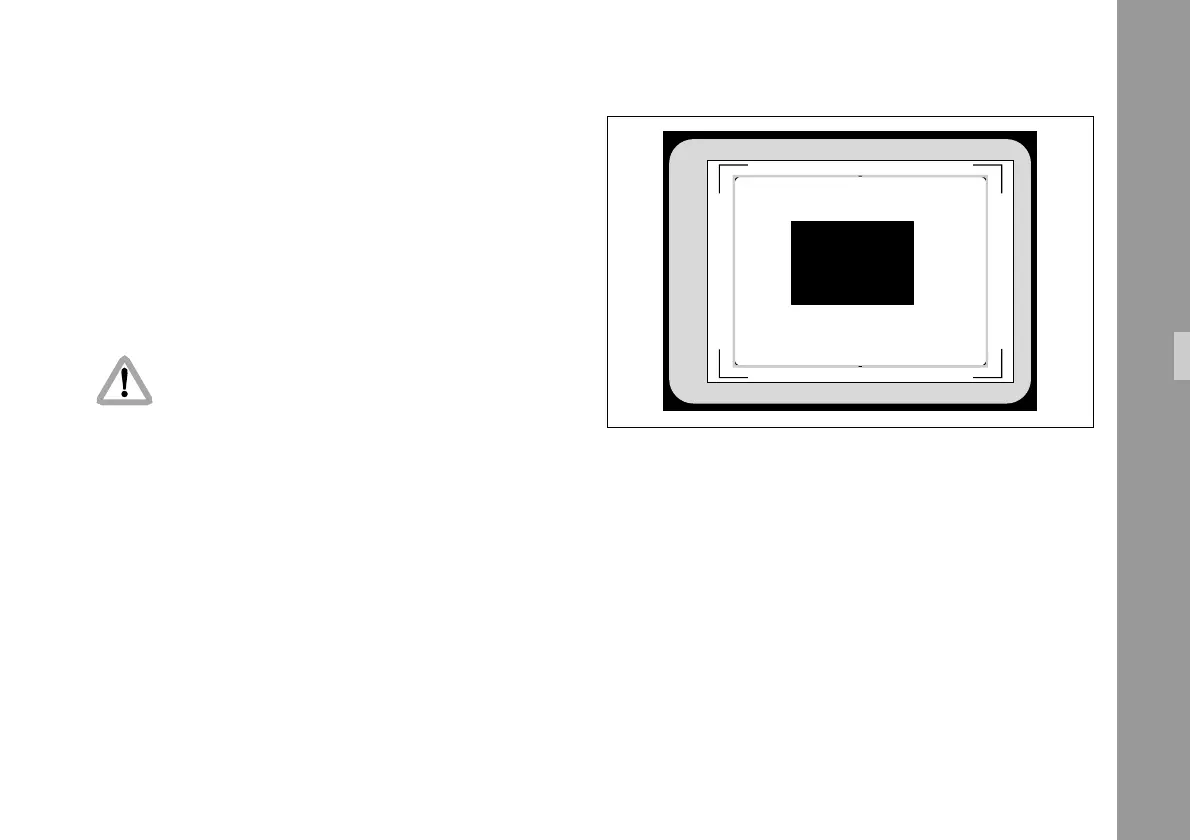
The IVS can insert two different format markings electronically
in the video image, either individually or simultaneously.
The position of these format markings can be set anywhere
on the screen to line up exactly with the ground glass
markings. Brightness is adjustable in four steps and the
area outside one format marking can be electronically
darkened.
All settings are immediately activated by
changing them.
Check all settings on the connected monitor.
• Enter the FORMAT MARKING submenu from the
Main menu.
Inserter Facilities



 To Next Page