22
• Disconnect the RS- and the video cable.
• Take the Inserter/Antiflicker module off
• Take the CCD optic modul off.
• Close screw 1, 2, 4 and 5 on the CCD optic module mount.
• Take the viewfinder top off.
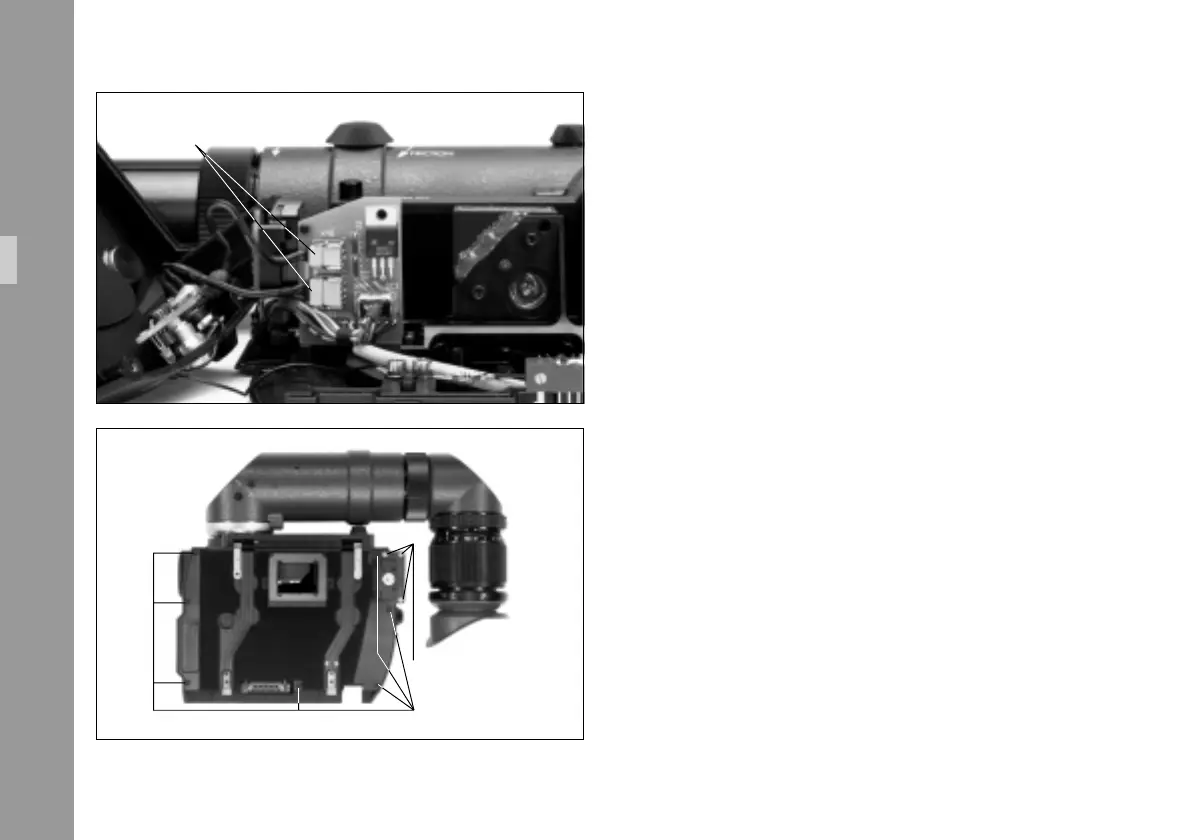
• Connect the two cables § between the viewfinder
top and the base plate again.
• Close the 3 mounting screws §.
• Close the 7 mounting screws §.
• Place the viewfinder system back to the camera and
mount the IVS as described in chapter 4.2.2.
connectors
7 monting screws
3 monting screws
Setup



 To Next Page