26
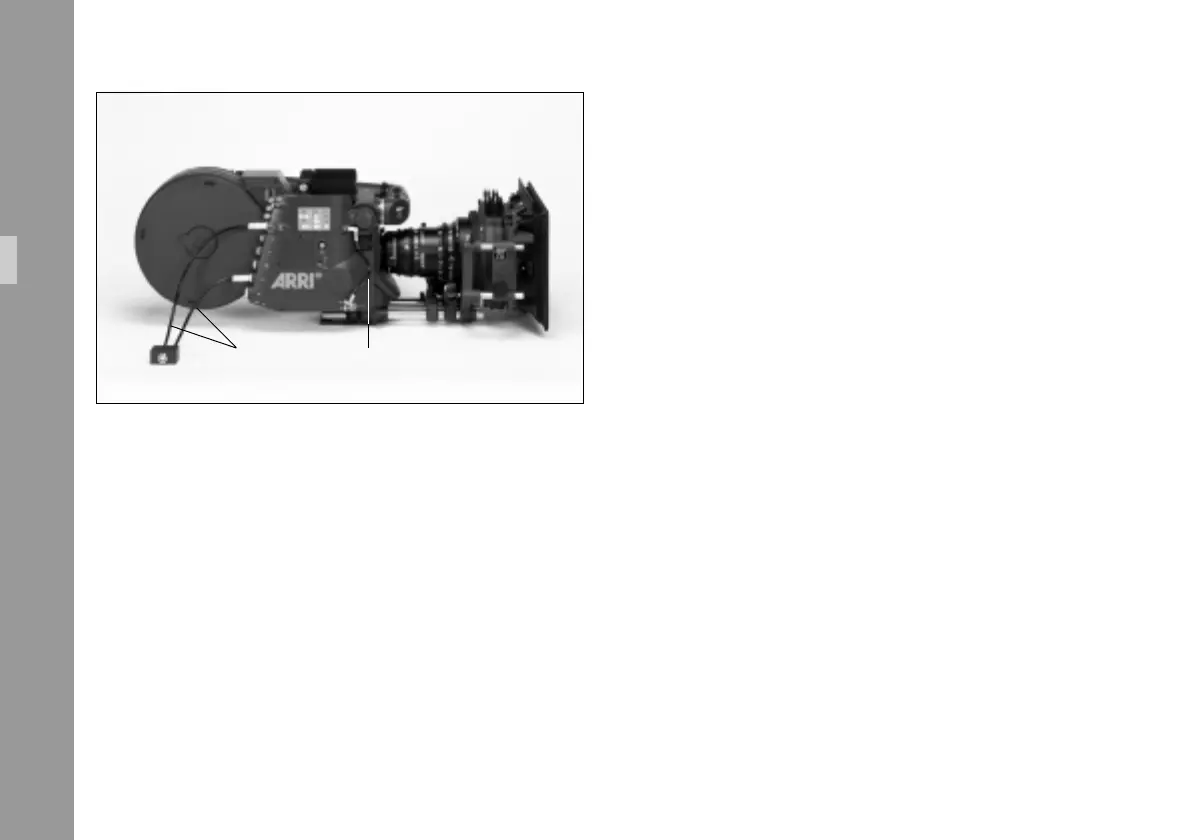
flicker module and the camera (RS-connector).
Note: It is recommended to observe the color coding
to ensure that the cable is as close to the camera
as possible.
• Connect the data cable ZV4 § between the
camera (CCU-connector) and the IVS.
Without a data cable ZV4 Time-Code and Pull-Down
information as well as data transfer to the IVS via the
serial interface are not available.
Note: If neither time code is used nor data is sent via
the serial interface, it is possible to work without
the data cable ZV4.
RS cabledata cable ZV4
Setup



 To Next Page