Fixture menu
19
To insert and remove the 4-pin XLR cable connector
To insert the 4-pin XLR cable connector:
• The main switch of the battery pack must be turned off,
if possible.
• Align the raised key of the cable connector with the keyway of
the input socket. Insert the cable connector without force in
the input socket.
• The cable connector must lock. Repair or replace cable con-
nectors that do not lock.
To remove the 4-pin XLR cable connector:
• Switch of the battery pack, if possible.
• Press down the locking pin of the cable connector and remove
the cable connector.
Tips for the use of battery packs
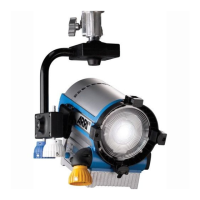
The ARRI L5 draws 115 W power at full intensity. Use the fol-
lowing rule of thumb to calculate the likely operating time with
a fully charged battery pack at constantly 100% brightness:
It is not possible to calculate the operating time exactly when
brightness changes often. The possible operating time is de-
pendent from age, state of charge and type of the battery pack.
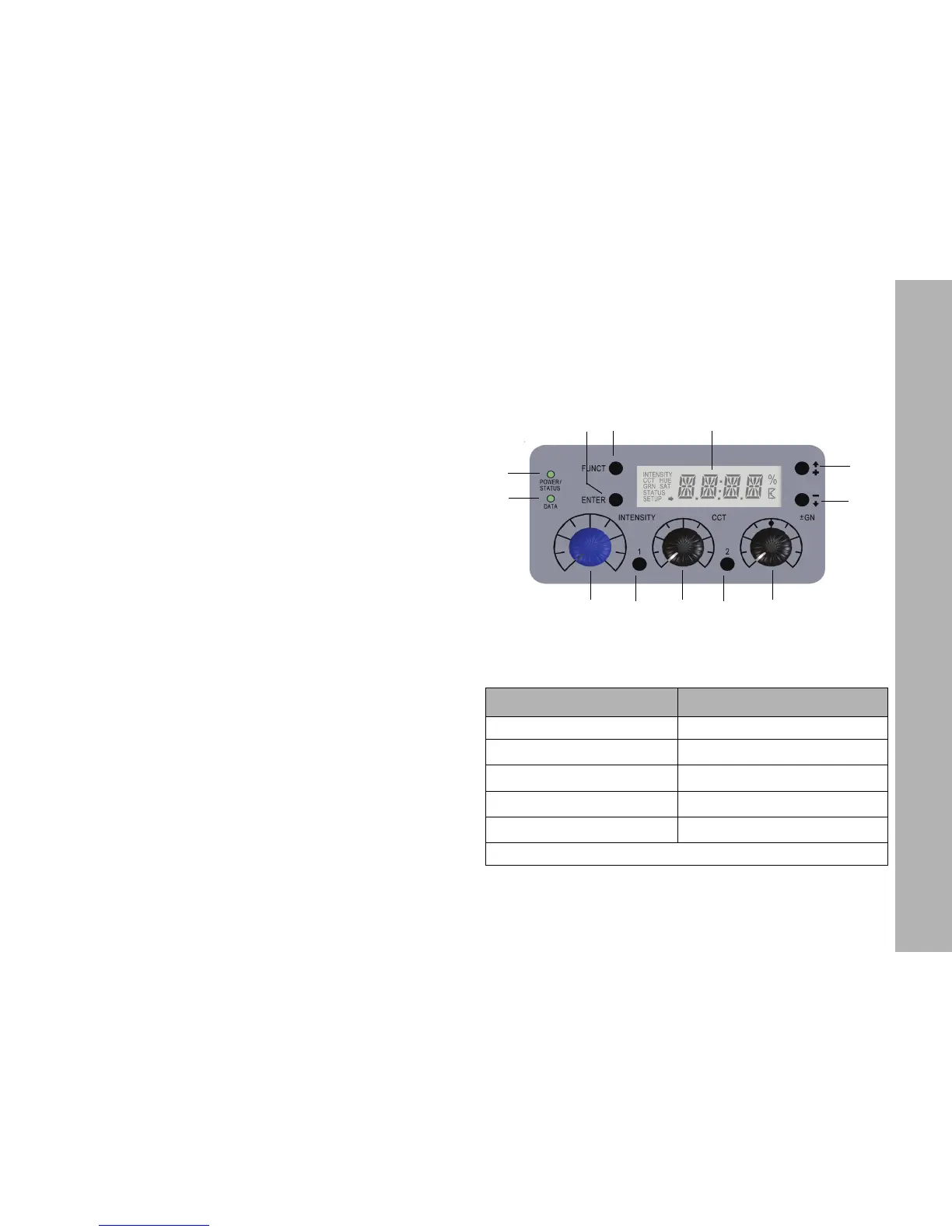
Fixture menu
Overview of the fixture menu
Features of the fixture menu
Status indicator POWER/STATUS (1):
Operating time [min]
(capacity [Ah]*nom. voltage [V]*54
115 W
-------------------------------------------------------------------------------------------=
Color Indication
Green Fixture switched on. No error.
Red flashing (0,5s rhythm)
*
Warning fixture over temperature
Red
*
Fixture over temperature
Change from red to green
*
Fixture normal temperature
Red flashing (0,25s rhythm)
*
Calibration data not loaded
*Display lights up red when STATUS-LED is lit red
1
2
3
4
5
6
7
8
9 10 11
12


 To Next Page