Home Prev Next CM550 Cable Modem User’s Guide 11
Safety Getting Started Installation USB Drivers Usage Troubleshooting Glossary
Front Panel
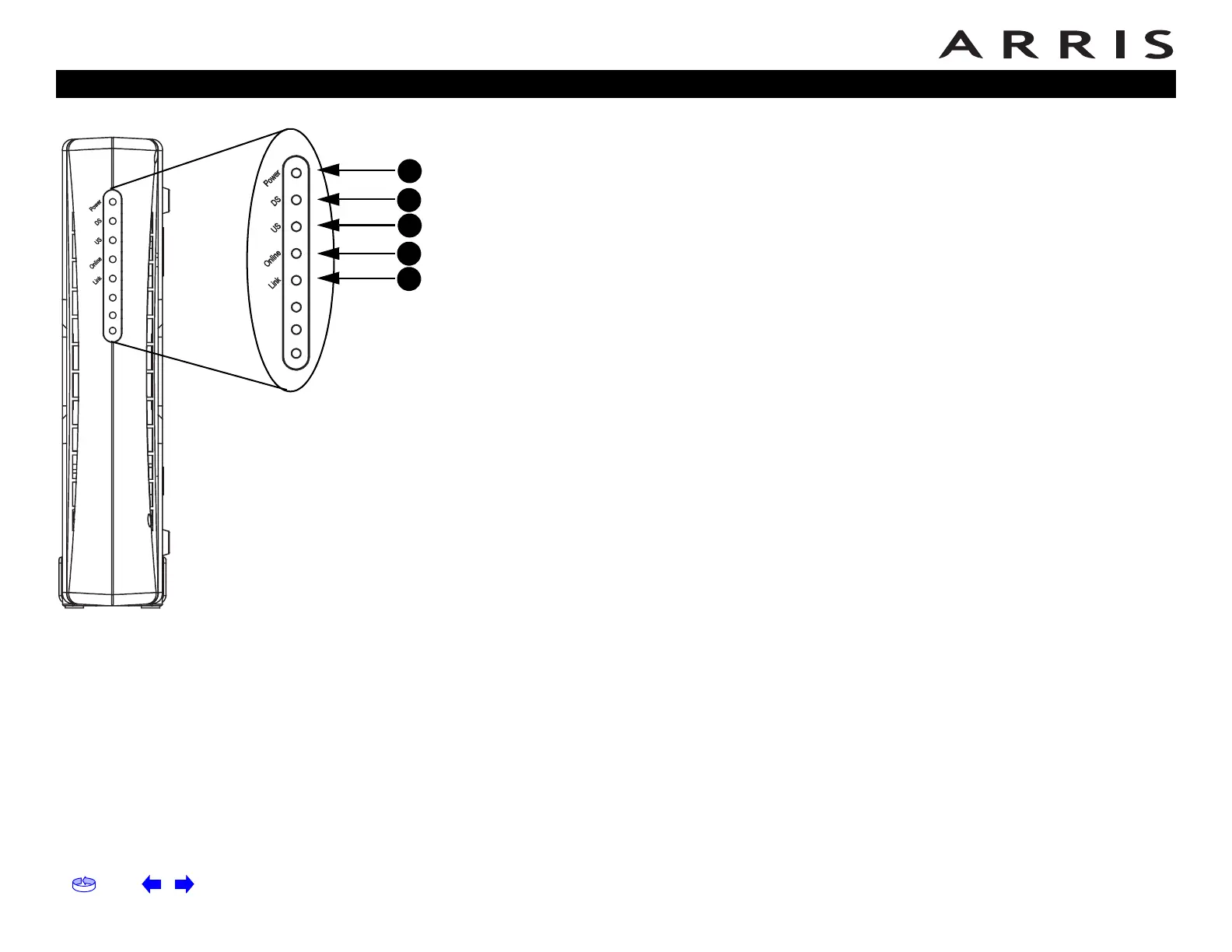
The front of the Cable Modem has the following indicators and controls:
APower: blinks when the Cable Modem is setting up; on steadily when ready
for use.
BDS: blinks when receiving data on the cable system; on steadily otherwise.
CUS: blinks when sending data on the cable system; on steadily otherwise.
D Online: on when the Cable Modem is connected to the Internet.
ELink: flickers when sending or receiving data to the PC over the Ethernet or
USB connection; on steadily otherwise.
a
e
o
em
ron
ane
A
B
C
D
E














 To Next Page