Home Prev Next CM550 Cable Modem User’s Guide 12
Safety Getting Started Installation USB Drivers Usage Troubleshooting Glossary
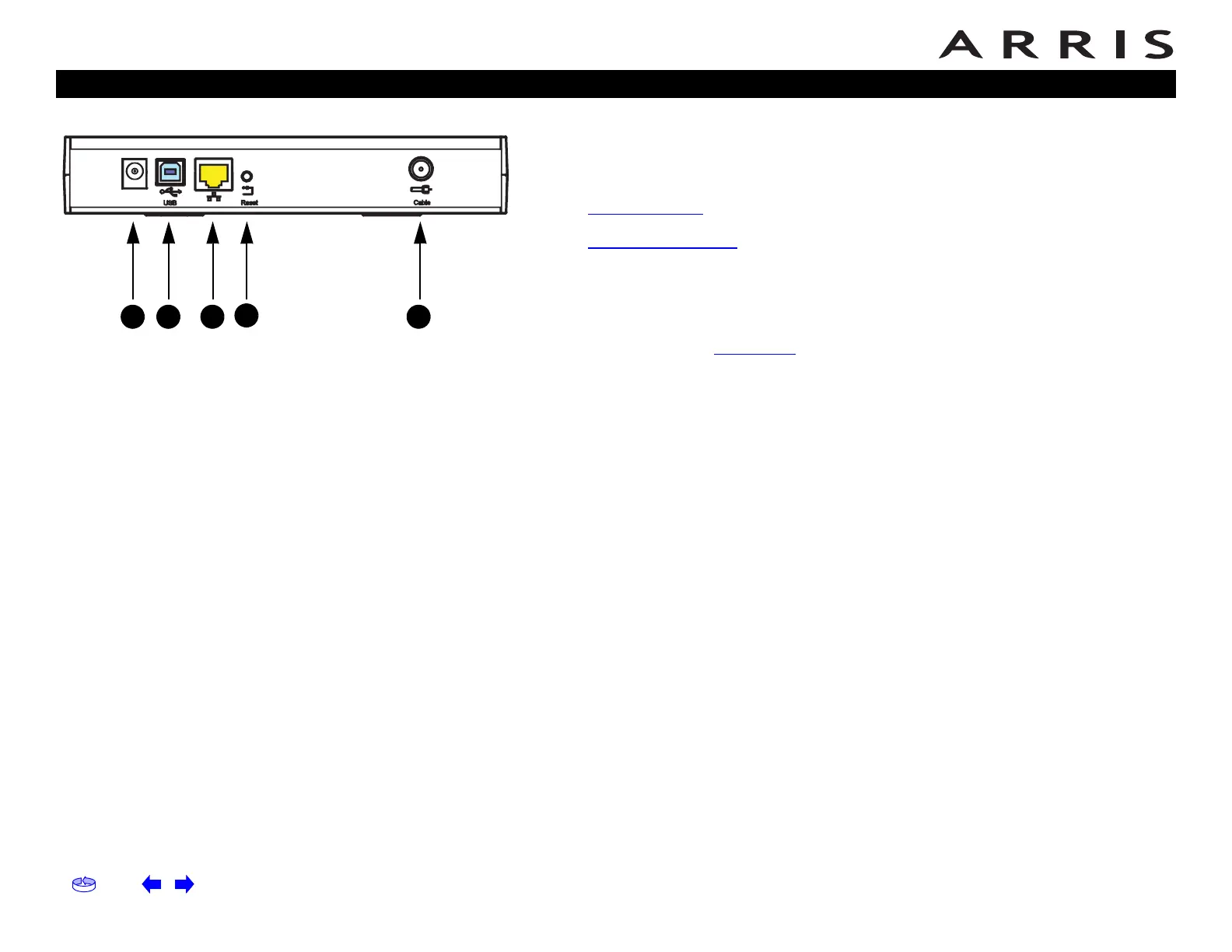
Rear Panel
The rear of the Cable Modem has the following connectors and controls:
A Power: plug the AC adapter in here.
B USB connector
: for connecting the Cable Modem directly to a PC.
C Ethernet connector
: for connecting the Cable Modem to a PC or home net-
work LAN.
DReset button: resets the Cable Modem as if you disconnected power. Use a
pointed non-metallic object to press this button.
E Cable: plug the coax cable
in here.
Cable Modem Rear Panel
B C D EF
A














 To Next Page