Chapter 5: Installing and Connecting your Telephony Gateway
Front Panel
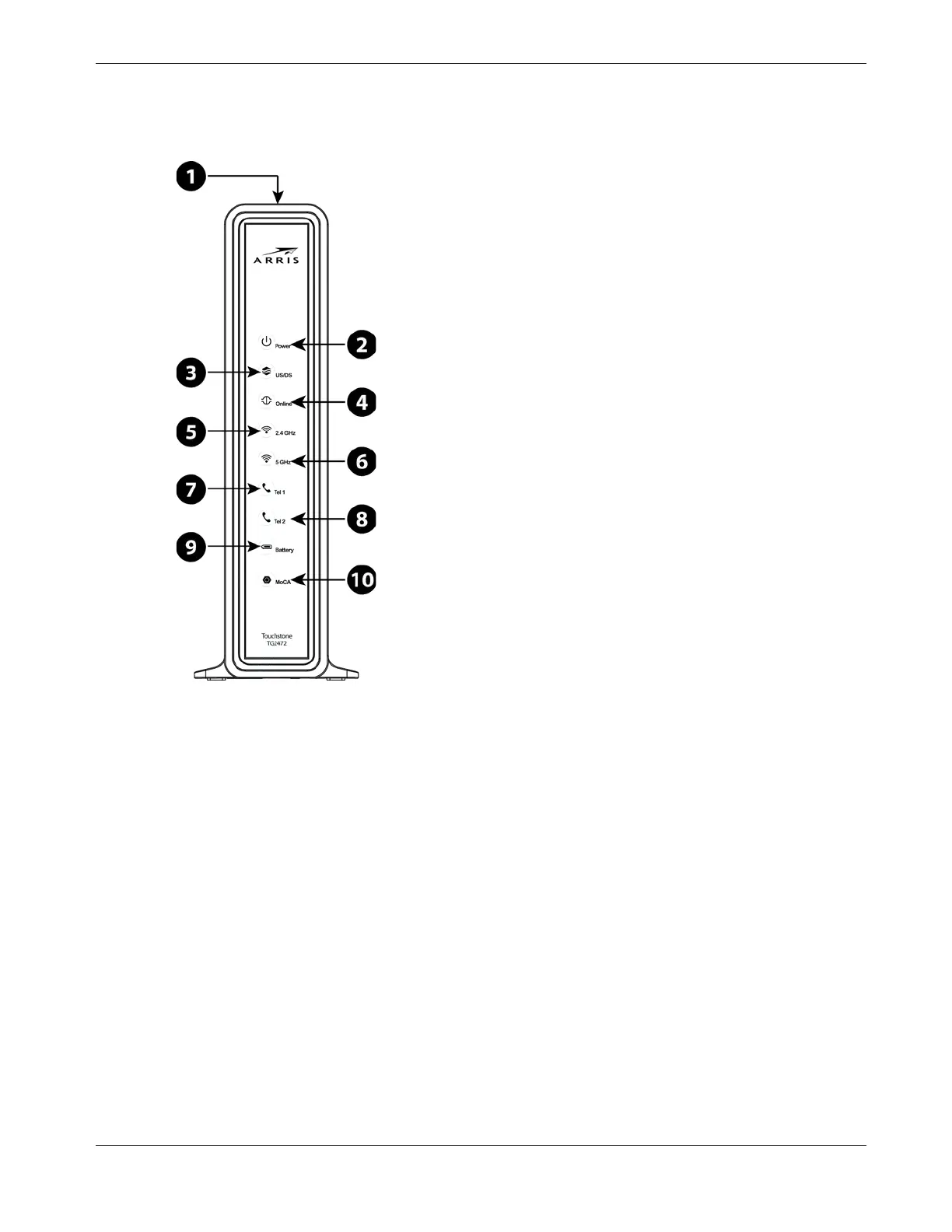
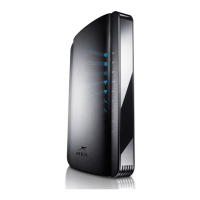
The front of the Telephony Gateway has the following indicators.
1. WPS Button/LED: begins associating the Telephony Gateway with a wireless device.
LED indicates Wireless Protected Setup (WPS) is active.
2. Power: indicates whether AC power is available to the unit.
3. US/DS: indicates upstream/downstream connectivity.
4. Online: indicates internet data transmission status.
5. 2.4 GHz: indicates the status of the 2.4 GHz wireless LAN.
6. 5 GHz: indicates the status of the 5 GHz wireless LAN.
7. Tel 1: indicates the status of telephone line 1.
8. Tel 2: indicates the status of telephone line 2.
9. Battery: indicates the battery status.
10. MoCA: indicates connectivity between the Telephony Gateway and other home devices
connected via the MoCA network.
Release 24 STANDARD 1.1 January 2015 Touchstone TG2472 Telephony Gateway User Guide 22










 To Next Page