Chapter 7
Using the Telephony Gateway
This chapter describes the controls and features available on the Telephony Gateway, and
covers basic troubleshooting procedures.
Setting up Your Computer to Use the Telephony Gateway (page 33)
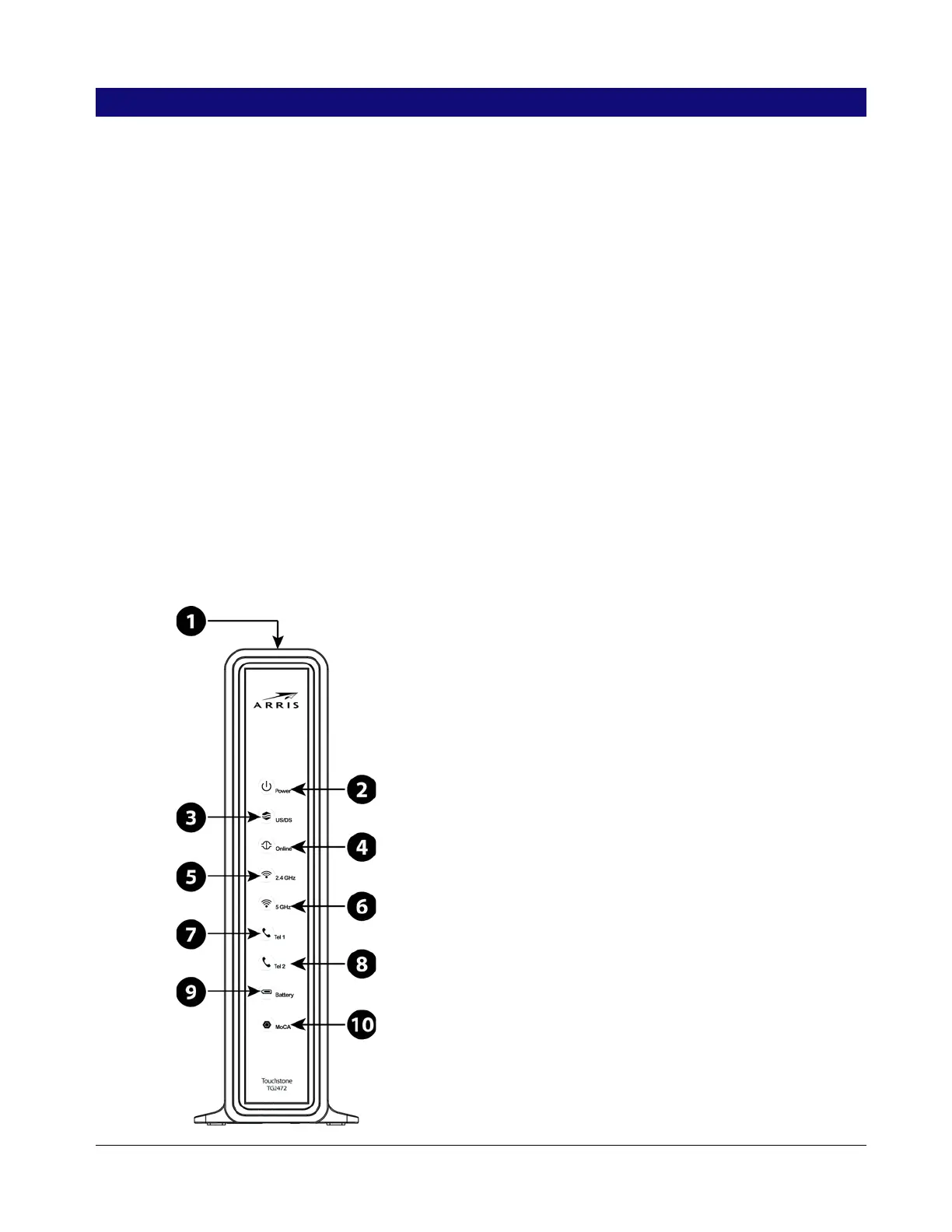
Indicator Lights for the TG2472 (page 33)
Using the Reset Button (page 36)
Resetting the Router to Factory Defaults (page 37)
Setting up Your Computer to Use the Telephony Gateway
Follow the instructions in the information packet supplied by your cable company. Contact
your cable company if you need help setting up your computer.
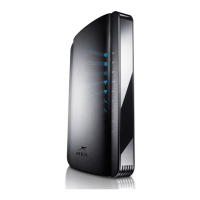
Indicator Lights for the TG2472
The Telephony Gateway has LED indicator lights to assist in troubleshooting.
Release 24 STANDARD 1.1 January 2015 Touchstone TG2472 Telephony Gateway User Guide 33










 To Next Page