5 When you see a window with the heading “Windows needs your permission
to continue,” click Continue to proceed.
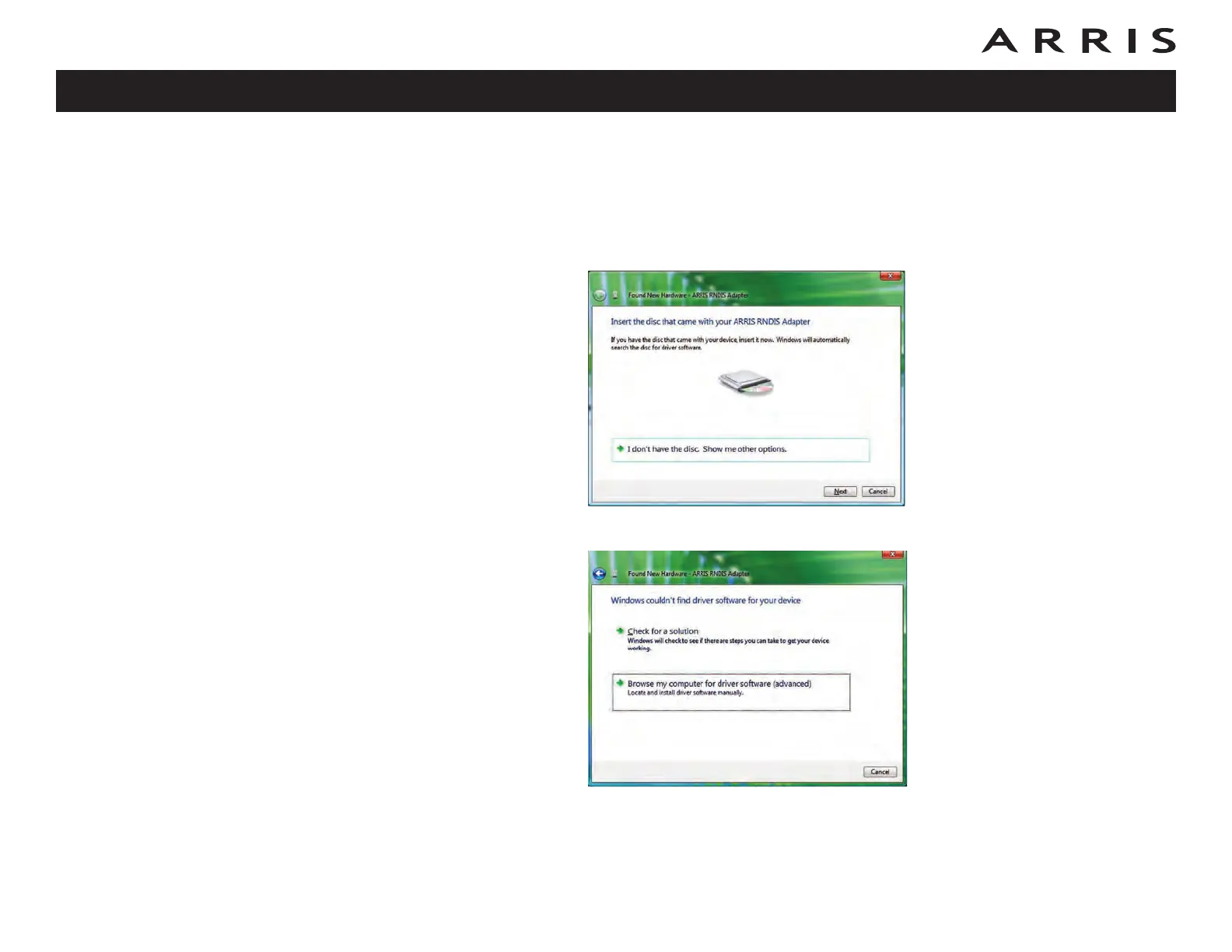
6 Vista tries to locate the new USB driver, and displays a “Installing device
driver software” at the bottom right of the screen. Vista will not find the
driver, and displays the following window. At the prompt, select I don’t
have the disc. Show me other options.
7 Select Browse my computer for driver software (advanced).
Touchstone TM722 Telephony Modem User’s Guide
Safety
Getting
Started
Battery
Installation Installation
USB
Drivers
Ethernet
Configuration Usage Troubleshooting Glossary
36















 To Next Page