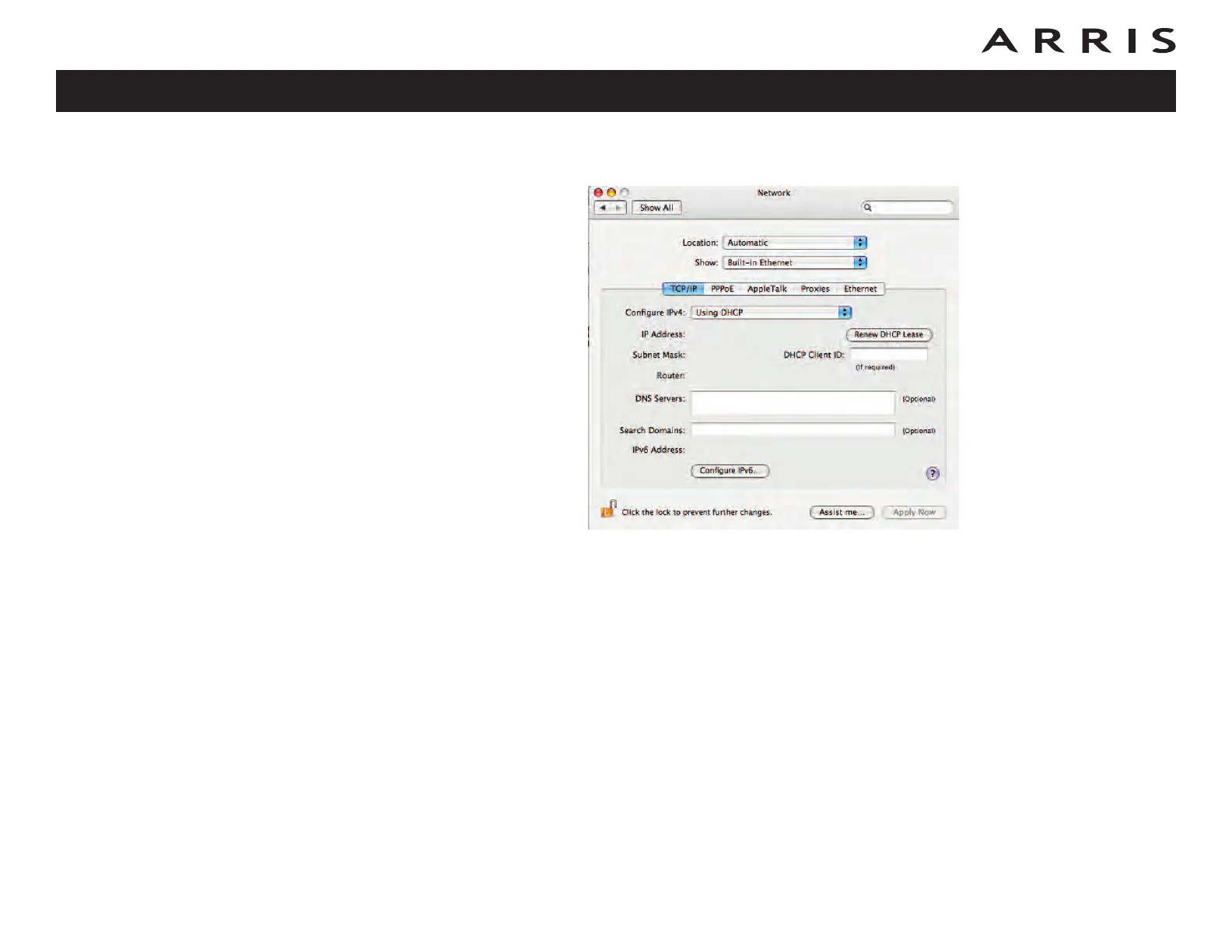
3 Choose Automatic from the Location drop-down menu, and Built-in Eth-
ernet from the Show menu.
4 Choose the TCP/IP tab, if necessary.
5 Choose Using DHCP from the Configure IPv4 menu.
6 If necessary, click the Renew DHCP Lease button.
7 Close the System Properties application.
Touchstone TM722 Telephony Modem User’s Guide
Safety
Getting
Started
Battery
Installation Installation
USB
Drivers
Ethernet
Configuration Usage Troubleshooting Glossary
55















 To Next Page