Page 8 · 5300 Series TECSource User’s Manual
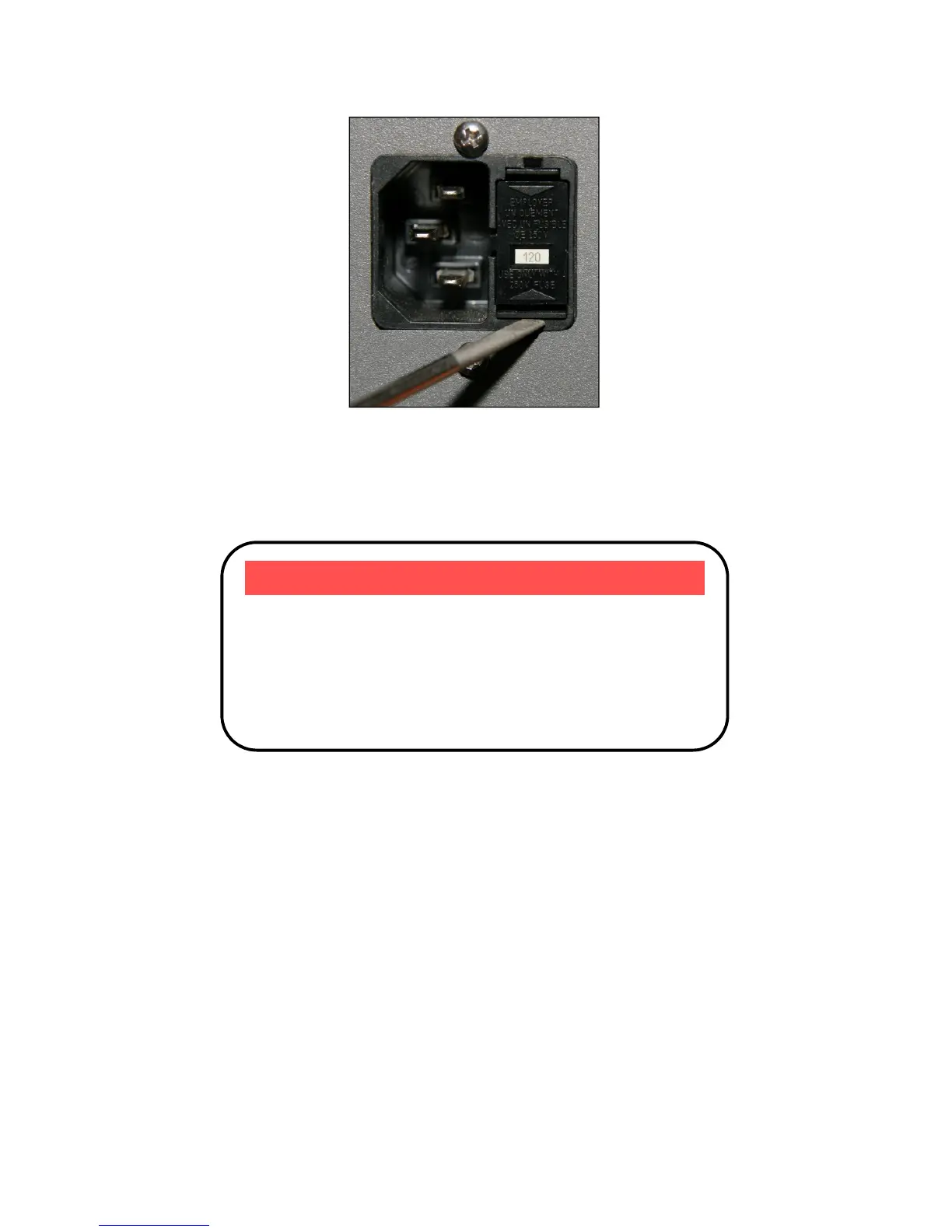
Input Power Connector (IPC)
Once the module has been removed, remove the small, white voltage selection
tumbler from the module, and then re-insert so that the desired voltage is
shown. Re-insert the module into the IPC.
Powering Up the Unit
Once the correct voltage selection has been made, connect the AC power cord
to the unit.
Turn the power switch, located on the front of the unit, into the on (|) position.
The unit will display the current firmware revision, go through a quick power-up
self-test, and return to the last known operating state.
CAUTION
Do not exceed 250VAC on the line input.
It is critical to select the proper voltage selection prior to
applying power to the unit. If the actual voltage exceeds
the voltage selection by +/-10%, damage to the unit
may occur.



 To Next Page