Page 18 · 5300 Series TECSource User’s Manual
Rear Panel
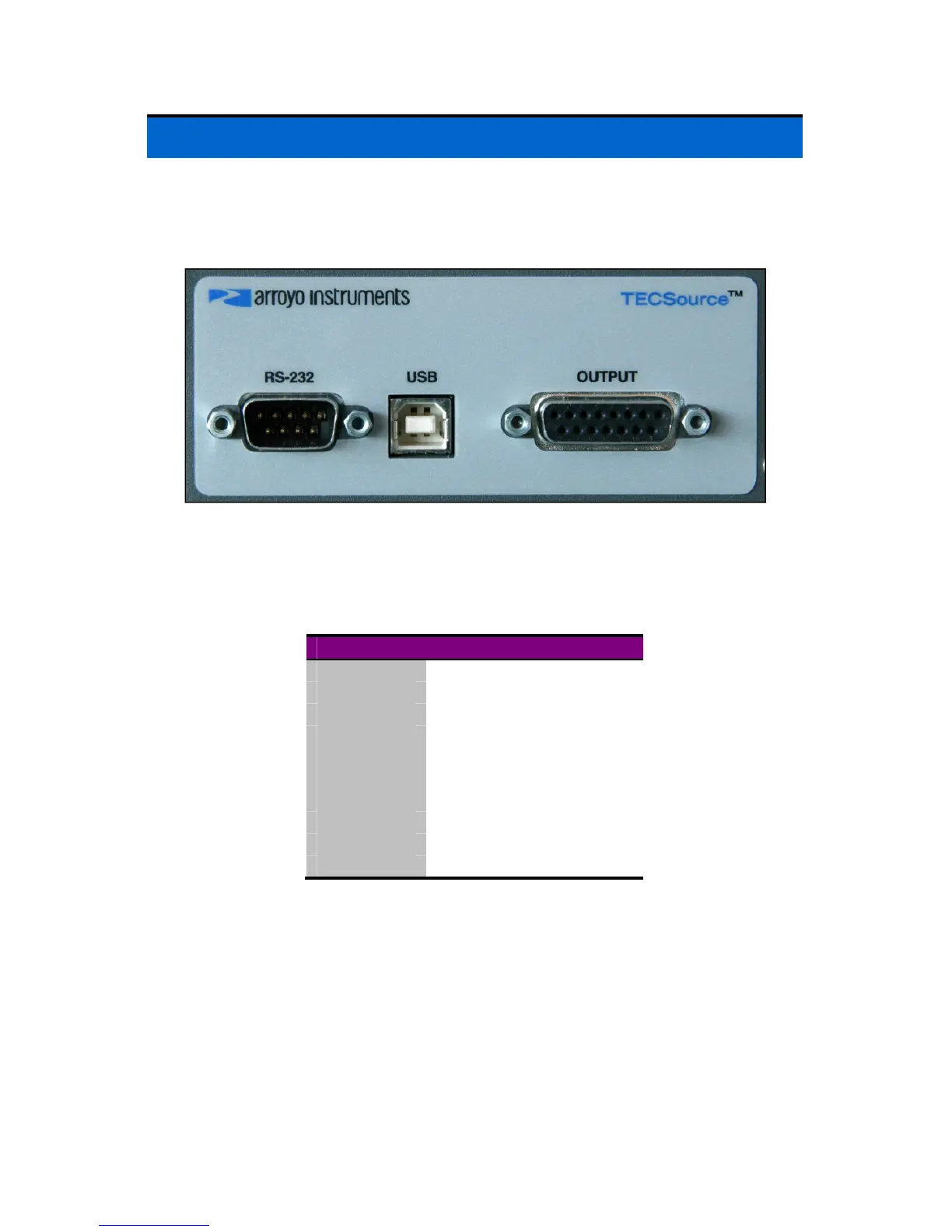
In addition to the input power connector described above, there are three
connectors on the rear panel of the TECSource: Output connector, USB
connector, and RS232 connector.
TECSource Rear Panel
TEC Output Connector
The Output connection is a female DB-15, and has the following pin-out:
DB-15 Pin Description
1, 2, & 9 TE (+)
3, 4, & 10 TE (-)
5 & 6 Earth Ground
7 Sensor+
8 Sensor-
11 Fan+
12 Fan – (Analog Ground)
13 ID
14 Remote Sensor+
15 Remote Sensor-
Output Connector (DB-15 Female)
Using the ID Pin
For operation above 5A, the ID pin (pin 13) must be connected analog ground
(pin 12), and make sure all three TE+ and all three TE– pins are connected.
Using Remote Sensor
The remote sensor pins (pins 14 & 15) are used in RTD 4-wire mode, and
provide a remote measurement of the RTD voltage to eliminate voltage
measurement errors. See Working With RTDs below for more information.



 To Next Page