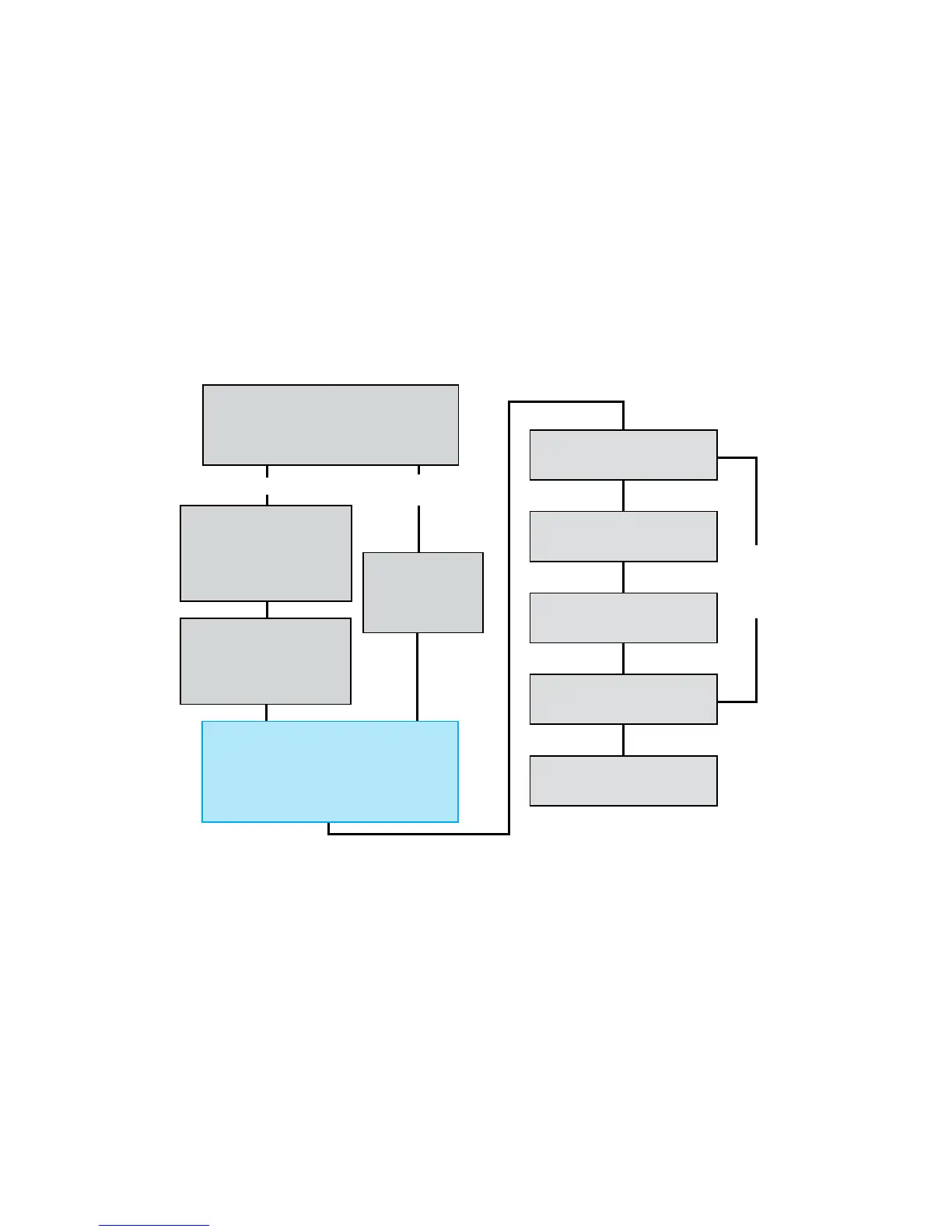
MVS Data Manager (Main Screen):
Select Start New Verification from the file menu.
Highlight the Device ID to be tested and click OK,
or scan the bar code on the device.
Verification Setup:
Choose the Plate Layout and
Plate ID from the drop-down
lists. Check the box for “Run Ver-
ification with
Alternative Solution.”
Verification Setup:
Choose the Plate Lay-
out and Plate ID from
the drop-down lists.
Alternative Solution
Verification Setup:
Choose the target solution for
each group from the corre-
sponding
drop-down list.
Scan the MVS Solution bar codes
as requested.
If using an MVS Verification
Plate,
scan the bar code.
Fill the plate as specified,
then place on the Plate Shaker.
Insert the plate into the
Plate Reader.
Verification is complete!
(Skip if a valid Baseline reading is stored
for the selected plate type)
Scan the MVS Baseline Solution bar code.
Fill the plate as specified with the Baseline
Solution and place on the Plate Shaker.
Repeat for
the number
of plates
requested.
If using Artel DMSO
Sample Solution
If using Custom Solution
17



 To Next Page