Note: the Plate Reader Type must be set to None/Import from file within the Preferences
window in order to see the File Prompt.
Batch Verification Setup:
• From the Batch menu, select Batch Manager.
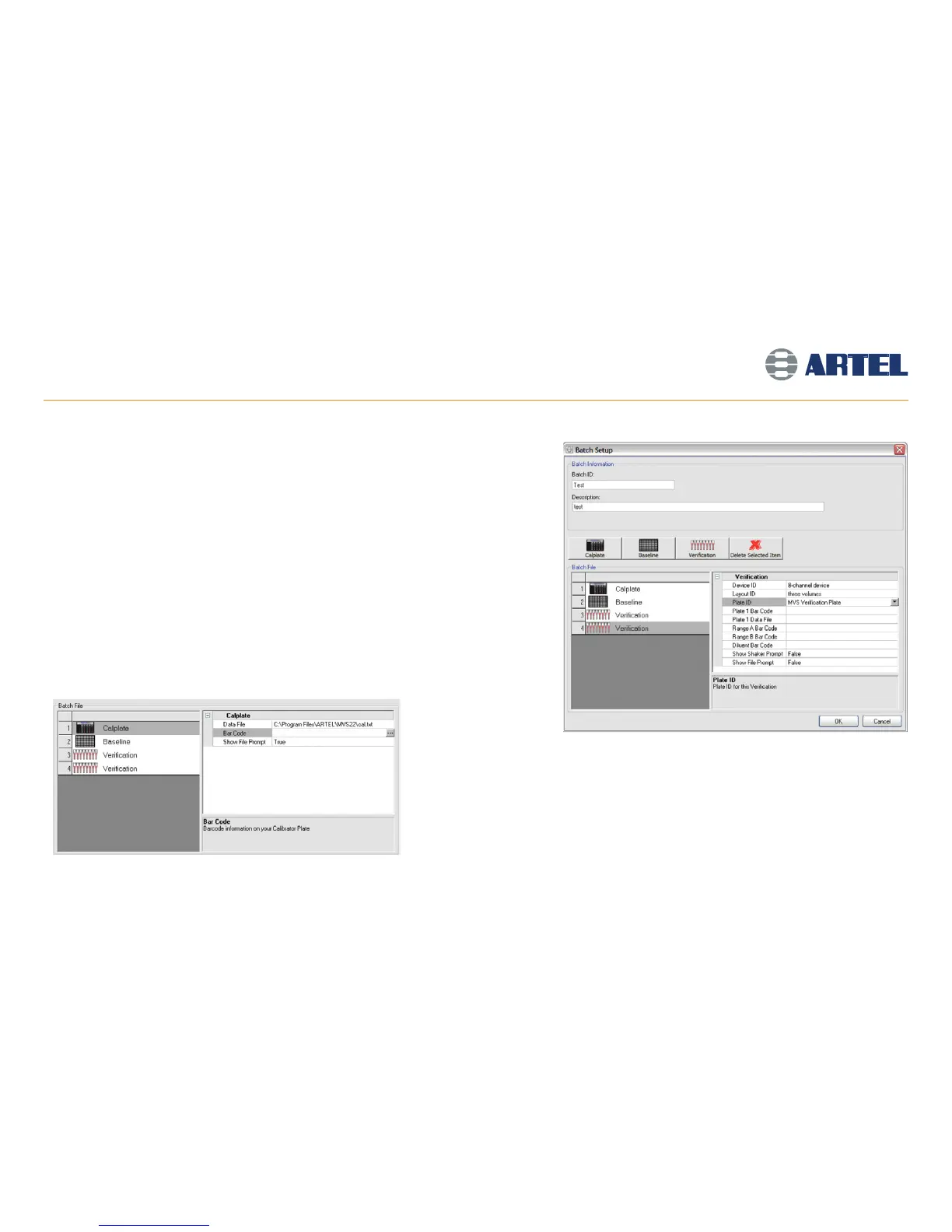
• Click Add to open the Batch Setup window (see screen image at right).
• This window requires a unique Batch ID and a Description.
• The Calibrator Plate (Calplate), Baseline and Verification items can then be added to the
Batch File by clicking the corresponding button.
• Items can be deleted from a Batch File by selecting them from the list on the left, and
clicking Delete Selected Item.
Calibrator Plate:
Properties for the Calplate item can be modified by populating the following
fields (see screen image at left):
• Data File: Select a data file to import absorbance values.
• Bar Code: Scan and store the bar code.
• Show File Prompt: Select True to prompt for a data file at run-time.
Batch Manager Function
18



 To Next Page