Powering On & O
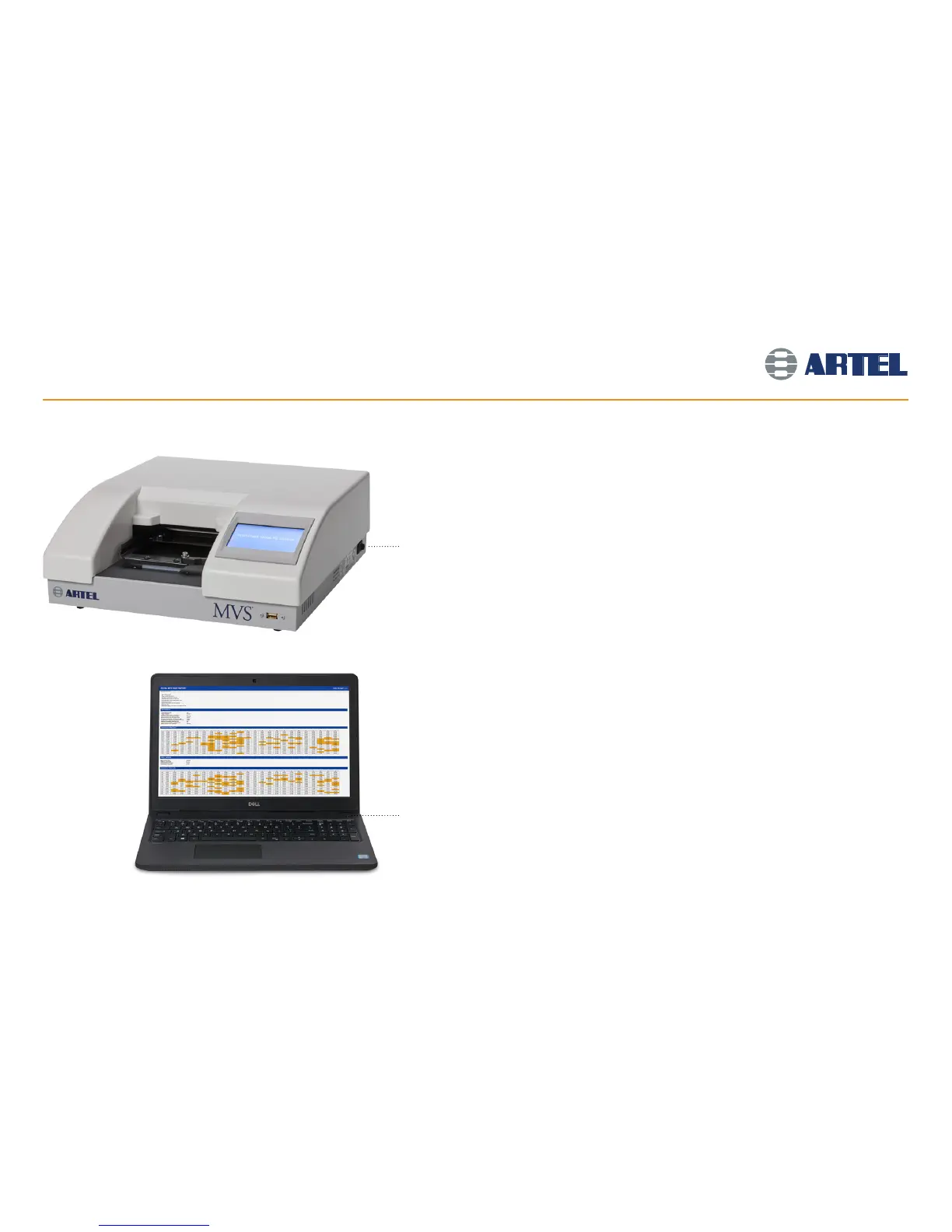
Turn on the power to the Plate Reader
by toggling the switch on the right side.
Note: Be sure that the light on the power
strip is illuminated.
Artel 800TSNB
Plate Reader
Press the power button on the
Portable Computer.
Powering On
Turn on by putting the power switch to the
ON position.
The Plate Reader will perform a 3 minute self-test
after being turned on.
The Plate Shaker automatically turns on with the
power of the system.
Wait for the Plate Reader to become ready for
operation, then click on the MVS
®
Data Manager
software icon on the desktop of the Portable
Computer.
The Data Manager software must be launched after
the completion of the Plate Reader self-test to ensure
communication between the components.
Powering Off
Shut down the Portable Computer (optional).
Switch the Plate Reader to OFF.
Press the power switch on the power strip on the back
of the Mobile Workstation to turn o all components
except the Portable Computer, which will continue to
run on battery power until it is shut down.
5



 To Next Page