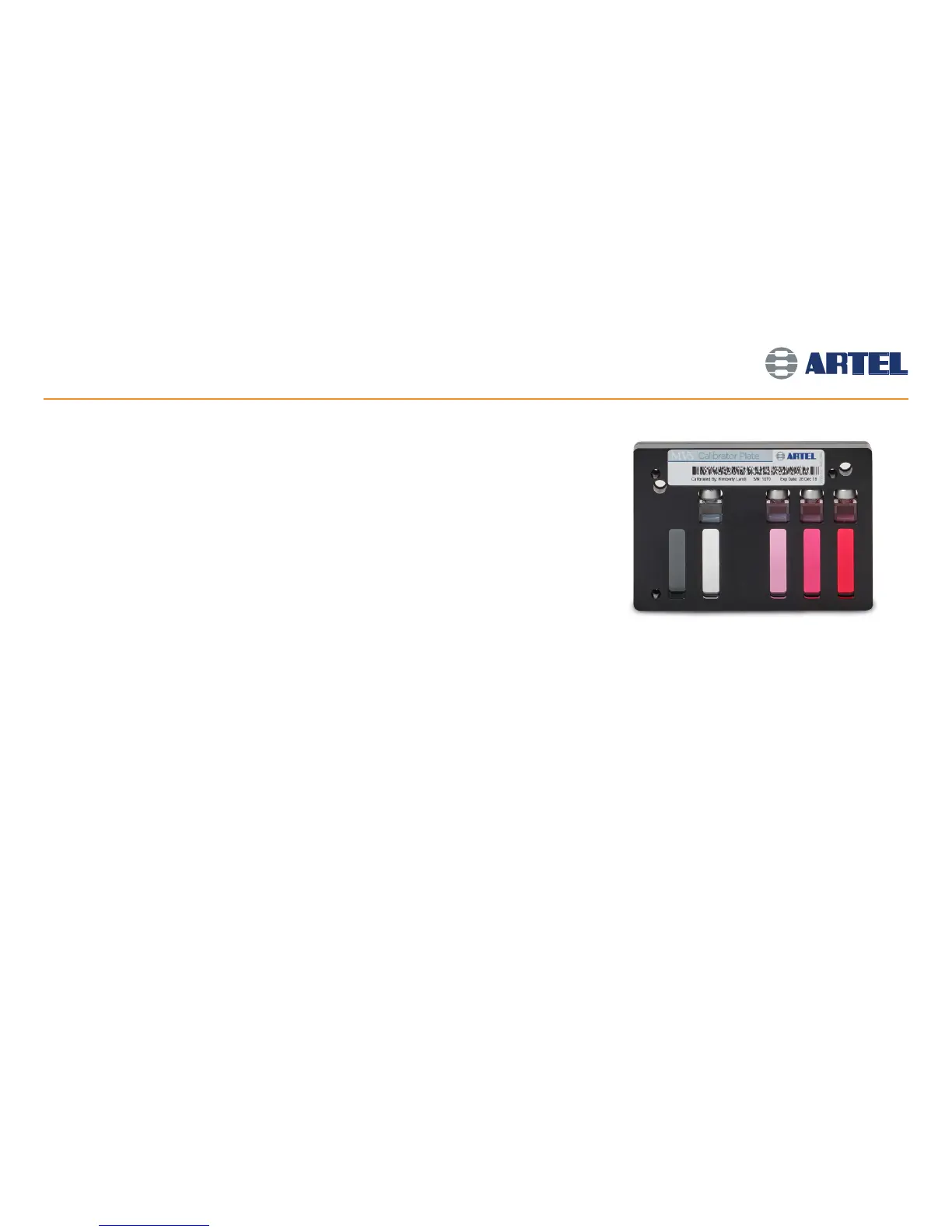
Initiate calibration
• Select File | Plate Reader Calibration to begin calibrating the Plate Reader. The Calibrator Plate will also be
requested if it has not been measured for the last 10 hours.
Scan the bar code on the Calibrator Plate
• Using the Bar Code Reader to scan, highlight the bar code on the Calibrator Plate until the Bar Code Reader
sounds a tone.
Check for bubbles and dirt on the Calibrator Plate
• Before testing the Calibrator Plate, position the large bubble in each of the calibrator cuvettes in the top
window of the cuvette. If the bubble is not in this position, gently tap the plate in a vertical orientation until
all bubbles rise to the top of the cuvette.
Cleaning recommendations for the Calibrator Plate
• Always use gloves when cleaning the Calibrator Plate.
• Clean smudges using the microfiber cloth included in the cleaning kit. Do not use sharp objects on the glass.
• Use the included Mira swabs to clean the edges of the glass close to the Calibrator Plate frame.
• Only use the included cleaning liquid if spots cannot be cleaned with the cloth or swabs. Use sparingly.
Read the Calibrator Plate
• Gently place the Calibrator Plate onto the Plate Reader tray and secure it into place. The label on the
Calibrator Plate will be facing up with the name reading from left-to-right. Click OK when complete.
The Plate Reader will begin taking readings at the required wavelengths.
• Data Manager software will automatically notify the operator if the readings are not within specification.
Refer to section 6.2 of the Procedure Guide for troubleshooting if the Calibrator Plate reading fails.
Calibrating the Plate Reader
6



 To Next Page