EasyManua.ls Logo

Arthrex SynergyRF AR-9800 - User Manual

Arthrex SynergyRF AR-9800
3 pages
Print Icon
To Next Page IconTo Next Page
Loading...
Synergy
RF
AR-9800
Quick Start Guide
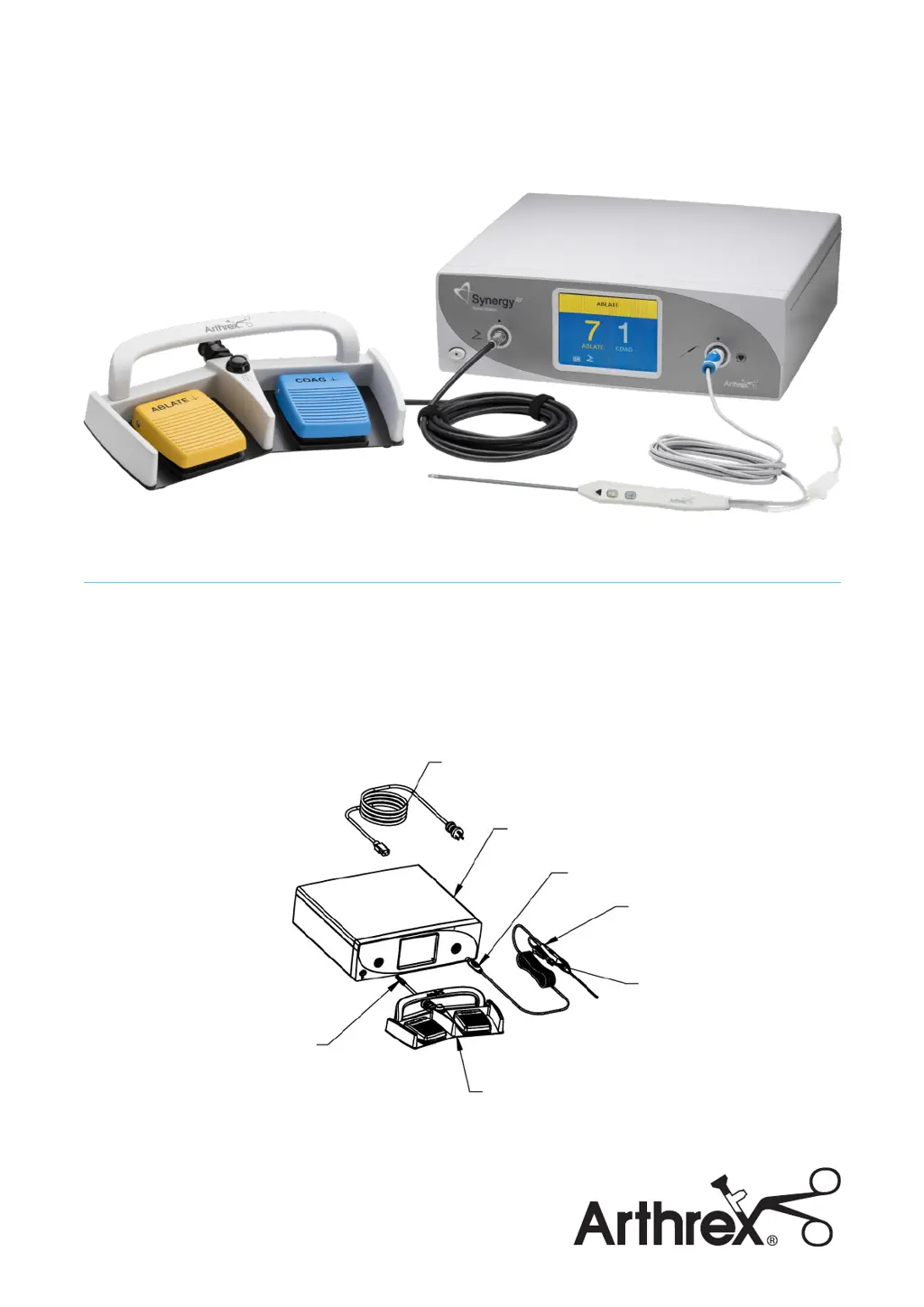
Unpacking
Carefully unpack and inspect all components for
shipping damage. Save the packaging for later transport
of the device. The footswitch is provided separately. The
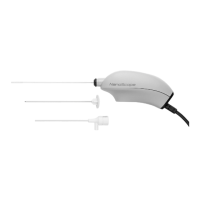
probe is provided separately and is in sterile packaging.
Users must read the Synergy
RF
User’s Manual and
Apollo
RF®
Probe DFU prior to using these devices. The
User Manual and DFU provide the indications and
contraindications for use, warnings, symbol definitions,
and the full list of product instructions. These
documents can be found on Arthrex.com.
Power Cord
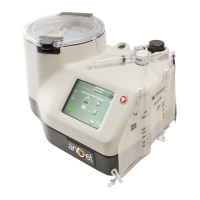
Generator
Footswitch
Probe
Connector
Probe
Suction
Tube
Footswitch
Cable
Connector

Other manuals for Arthrex SynergyRF AR-9800

Questions and Answers

Summary

Unpacking the Synergy RF AR-9800

Setting Up the Synergy RF AR-9800

Adjusting Device Settings

Configure language, footswitch override, and volume settings via the touch panel.

Button Activation and Troubleshooting

Troubleshooting Faults and Solutions

Provides solutions for common faults like unit not powering on or probe issues.

Arthrex SynergyRF AR-9800 Specifications

General IconGeneral
Device TypeRadiofrequency Ablation System
ModelAR-9800
ManufacturerArthrex
Operating ModesAblation, Coagulation
Voltage100-240 V AC
DisplayTouchscreen
Temperature Range10°C to 40°C
FootswitchIncluded
Safety Featuresimpedance monitoring

Related product manuals