HotKeys
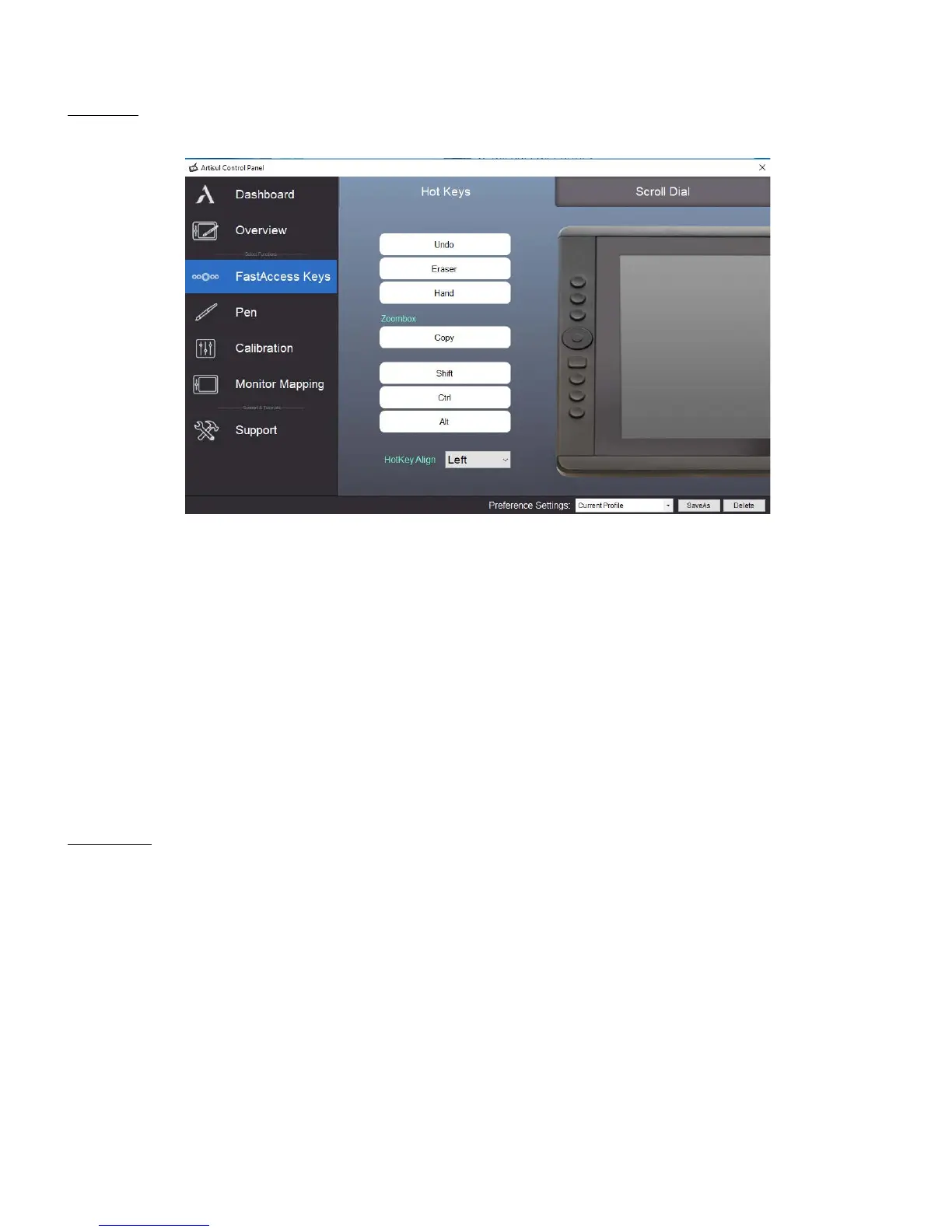
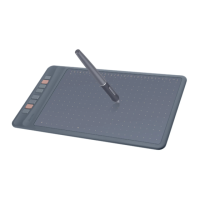
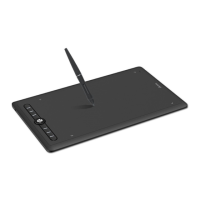
Customize the FastAccess buttons and QuickDial(D13 only) from the HotKeys tab.
• Redefine HotKey: Click on the title of the button. A dropdown menu will appear with a list of tool
options. Choose the one you want to use.
• Custom Define: At the bottom of the dropdown menu, choose Custom. This will allow you to input
a custom keyboard shortcut.
• Note: Software keystrokes are based on English input methods. If not already, set to English when
using HotKeys on your Artisul pen display.
• Note: Most creative software will not accept keystroke inputs when you U-Pen is still in use or
when your U-Pen is still within the detectable cursor range. To avoid invalid keystroke actions, hold
the pen away from the screen before pressing your FastAccess button. (Hold U-Pen at least 1.5”
away from the surface of the screen.)
Scroll Dial
You can define 5 functions to the QuickDial. Tap on Scroll Dial button to select the function you would like
to use.



 To Next Page