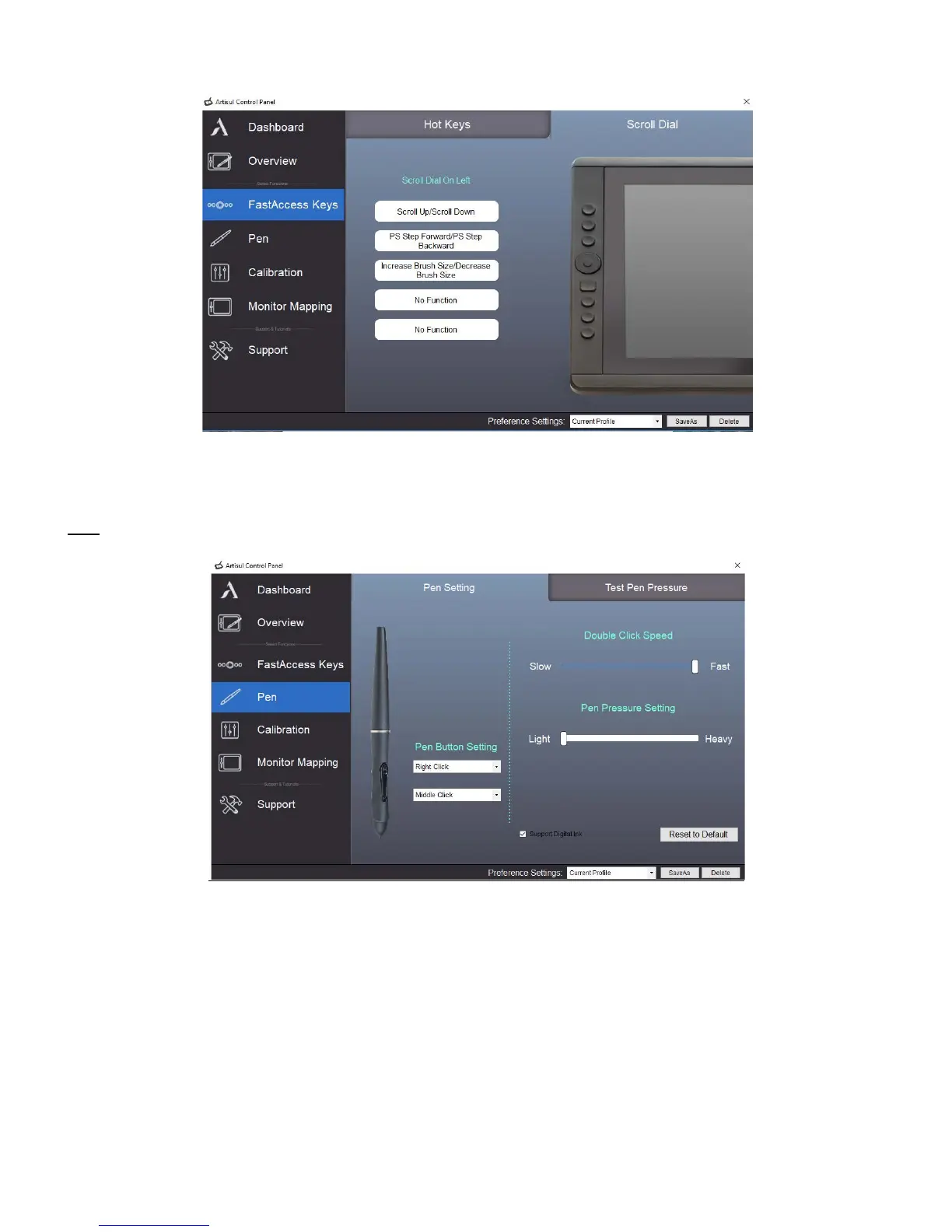
o To switch between functions, press down on the edge of the QuickDial. You will see the function
name briefly at the bottom of the screen when switched.
Pen
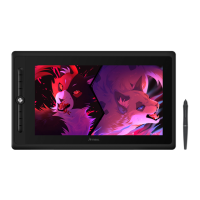
o Pen Setting
o Pen Button Settings: Customize the functions of the two side buttons on the U-Pen. Click the
button name and choose a function from the dropdown menu.
o Double Click Speed: Move the slider toward “Slow” if you want more time in-between double
tapping the pen tip. Move the slider toward “Fast” if you want less time in-between double
tapping the pen tip.
o Pen Pressure Setting: Move the slider in the sensitivity bar to adjust pen pressure response.
Light means your ARTISUL pen display will recognize the slightest nuance of pressure, while
heavy means it will take more pressure for the pen tip to register.



 To Next Page