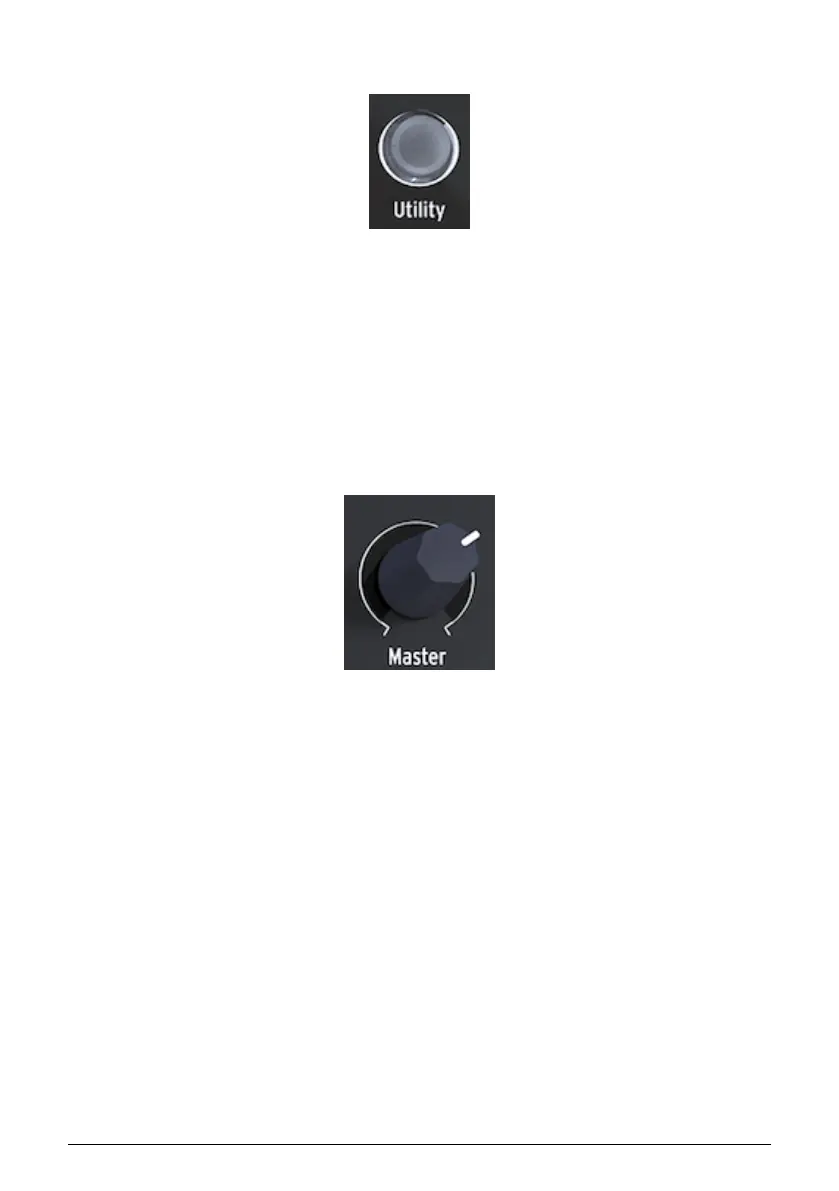
3.1.1.6. Utility
In Utility you change the Global settings of your MicroFreak and some settings specific for
each preset: the Preset Volume, the Bend Range, Pressure mode, and many other settings.
3.1.1.7. Master Volume
The Master volume sets the Global volume of your MicroFreak. If you need one preset to
be louder than another you can set its relative volume in Utility: select Utility>Preset>Preset
volume.
Master Volume affects both the line level and the headphone level of your MicroFreak.
Access to the Utility
settings
The Volume knob
11 Arturia - User Manual MicroFreak - MicroFreak Overview















 To Next Page