13. THE SEQUENCER
The sequencer of the Microfreak is like a hidden gem. At first look you may not even notice
it is there, but once you've discovered what it can do it becomes indispensable for creating
sound on the MicroFreak.
The Sequencer of the MicroFreak is paraphonic. Paraphonic means that it can record and
play back up to four voices, sharing the same filter, simultaneously. For more info about
Paraphony [p.9] refer to the MicroFreak overview.
The Sequencer is a fascinating musical tool. It records the pitch of the note you play, the
force with which you play it (velocity) and the duration of a note. You can play back what
you've recorded with variable speeds.
If that was all the sequencer could do it would be nothing more then a glorified piano
roll that plays melodies on demand. What makes the Sequencer on the MicroFreak
extraordinary is that it can also record movements (events) of up to four knobs. This feature
has been implemented in many DAWs and now also in the MicroFreak. More about the
modulation recording tracks [p.77] later.
The sequencer of the MicroFreak allows you to record two patterns: A and B. In play mode
you can alternate between these two patterns by pressing the A or B button. These patterns
can be 4 to 64 steps long. You can set this length in the Utility>Preset>Seq length menu. Once
you've set the length, both Sequencers and their modulation tracks will share it. You cannot
have a Pattern A with 16 steps and a Pattern B with 12 steps.
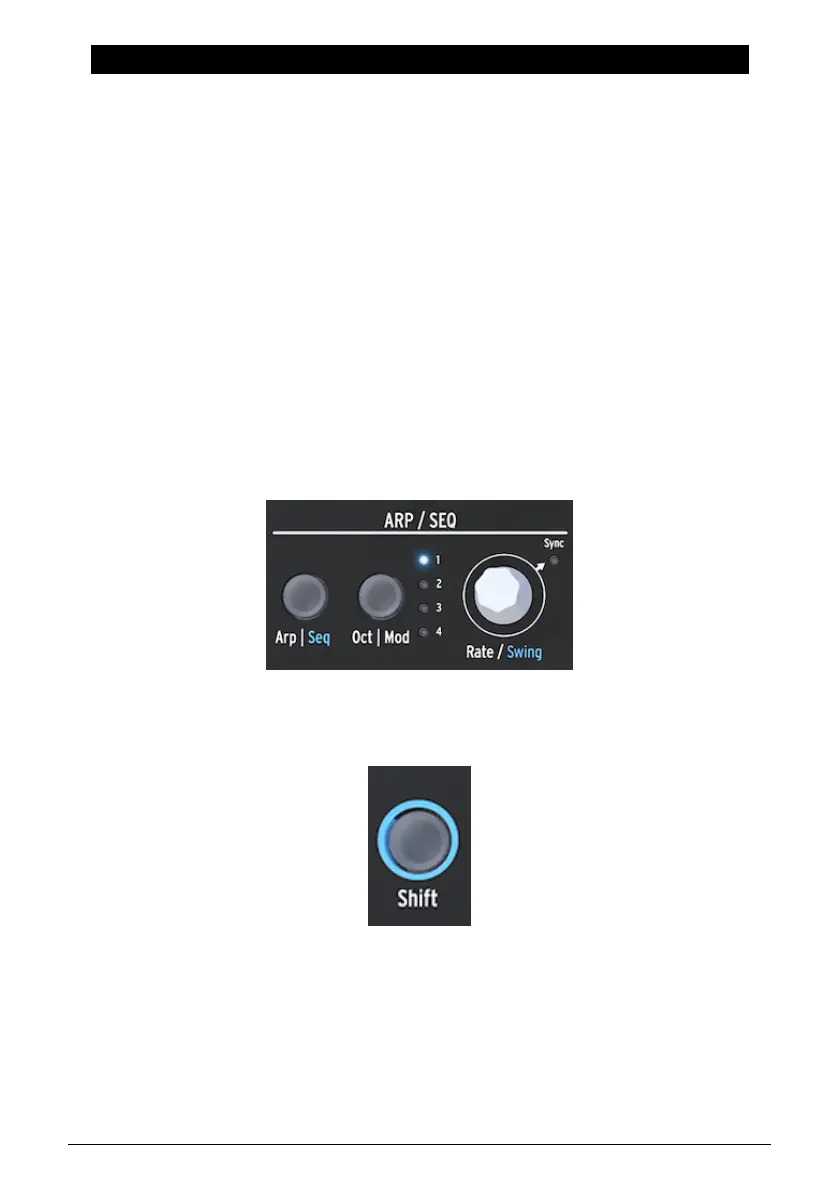
To activate the sequencer, Hold SHIFT and press the Arp | Seq button.
The Sequencer allows you to record in "step" time; one step at a time. More about this later.
Recording in step time has the advantage that you can fine-tune everything related to each
step - its pitch and velocity and four other parameters - before continuing to the next step.
When the sequencer is being used as a modulation source and routed in the Matrix, each
step can send pitch and velocity to a destination.
The Arpeggio and Sequencer Section
The Shift button
Arturia - User Manual MicroFreak - The Sequencer 72















 To Next Page