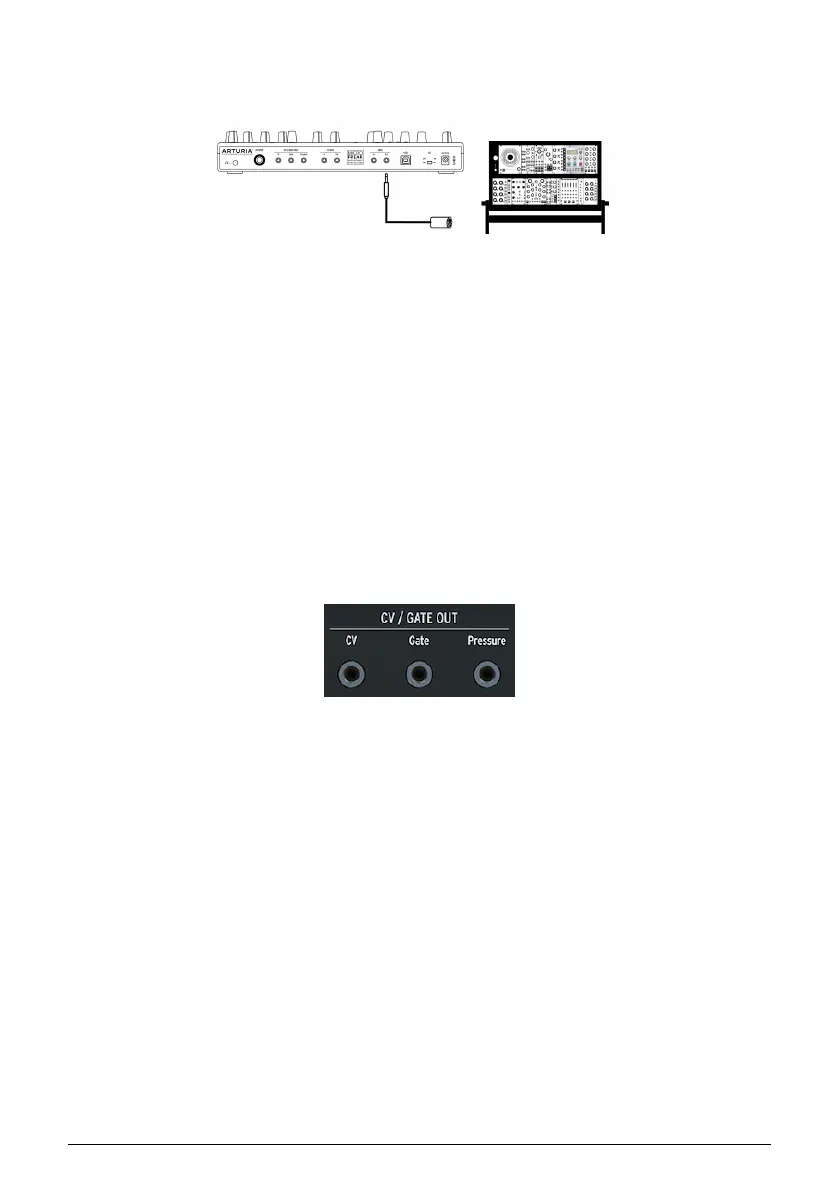
And of course, MicroFreak can send and receive MIDI data using the USB port of your
computer.
15.1. CV/GATE FUNCTIONS
The MicroFreak provides direct access to some of the best music technology the world
has produced in the last six decades: USB, MIDI, Clock and CV/Gate out connectors are all
present on its rear panel in a space not much larger than a pencil. In this section we’ll focus
on the features of the MicroFreak CV/Gate circuitry.
15.1.1. Control voltages: Pitch, Gate and Pressure
When Sequence A or Sequence B are selected, or when you play notes on the keyboard,
the notes are translated immediately into Control Voltage (CV) and Gate signals and sent to
the connectors on the back panel. When you play the keyboard in Paraphonic mode while
a sequence is playing, the notes you play on the keyboard have priority.
Three independent voltages are sent for each note: Pitch, Gate and Pressure. The pressure
voltage can either be velocity or pressure depending on what you have selected in the Utility
section or the MIDI Control Center.
Some analog synthesizers have unusual implementations that are not fully compatible
with the MicroFreak CV/Gate signals. Please refer to their specifications before making a
purchase so you can be sure the two devices will work together well.
We’ve designed the MicroFreak to be as flexible as possible, though: the MIDI Control Center
[p.82] allows you to configure the response of the CV/Gate jacks in a number of ways. By
default, the transmitted Pitch voltage is compatible with the 1v per octave standard, which
means that if you play an octave on the keyboard, a synth or a connected Eurorack module
will also play an octave. Some synths use the Hz/V standard or the 1.2 V per octave standard,
to play those you have to change the corresponding setting in Utility>CV/Gate>Pitch Format
or in the MIDI Control Center.
MIDI to Modular
CV Gate outputs
91 Arturia - User Manual MicroFreak - Connecting external gear















 To Next Page