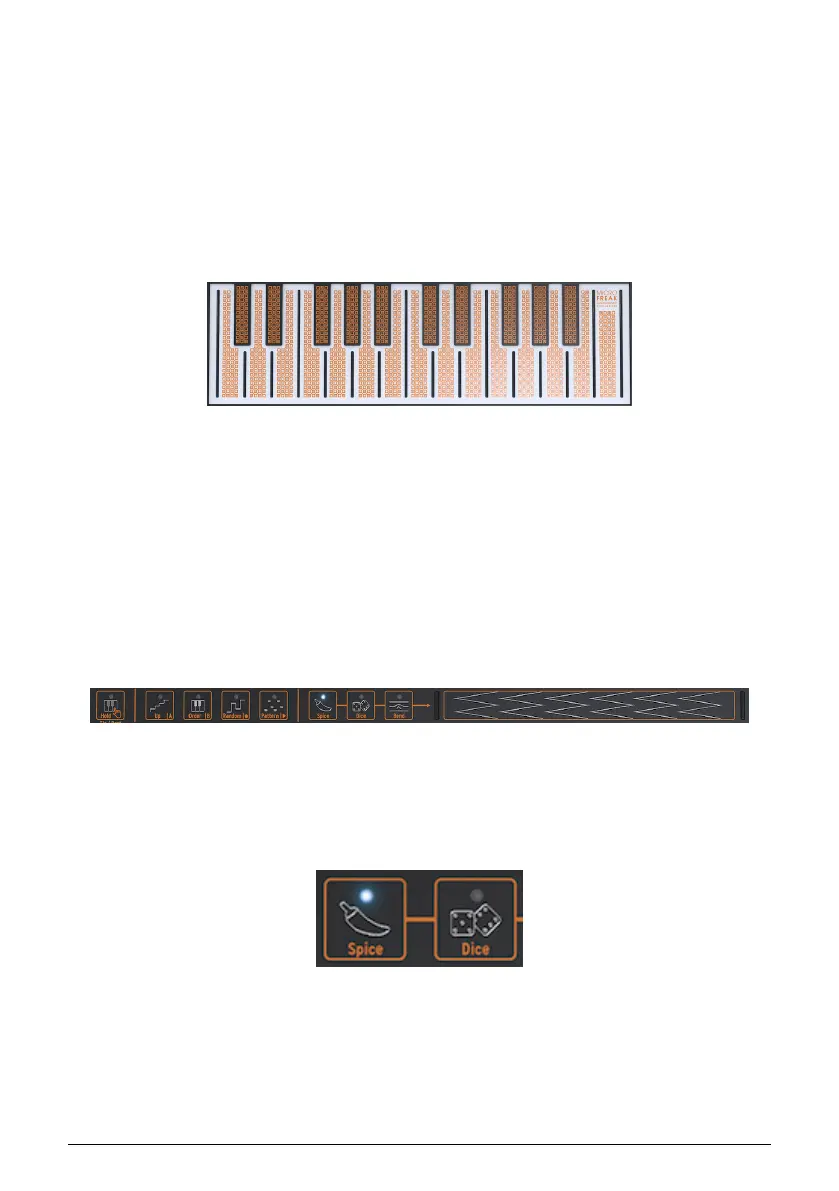
3.1.3.6. Keyboard section
The keyboard section consists of the keyboard and an Icon Strip with access to the
Arpeggiator and Sequencer controls, and a touch strip with a Bend icon and two Spice and
Dice icons that enable you to create variations on the Sequencer and Arpeggiator patterns.
The keyboard of the MicroFreak is touch capacitive and has 25 keys. When played the keys
generate gate, a pitch, and pressure. It covers a two-octave range, which can be extended
using the Octave Down/Up buttons.
Note: There's a setting in Utility [p.82] that allows you to select whether the keyboard
generates pressure or velocity.
Depending on the settings in Utility or the MIDI Control Center, the keyboard provides either
aftertouch or velocity control. It can also be used as a fully polyphonic MIDI controller for
other devices via the USB and MIDI out connectors on the rear panel.
3.1.3.7. The Icon strip
Right above the keyboard, you'll see a strip with eight mysterious-looking icons.
Using these icons, you can access the most intriguing parts of the MicroFreak; its
Arpeggiator, Pattern Generator, Sequencer, and the three live controls: Spice, Dice, and Bend.
The Spice and Dice icons enable you to create variations on the sequencer and arpeggio
pattern. You can only hear their effect when a sequencer or the arpeggiator is active.
Dice acts on the gates and triggers of the currently playing arpeggio or sequence.
Spice sets the amount of variety. For detailed info about the Icon strip refer to the Keyboard
[p.58] chapter. How to use the Arpeggiator and the Sequencer is explained in chapters 11
[p.67] and 12 [p.72].
The Keyboard
The icon strip
Spice & Dice
17 Arturia - User Manual MicroFreak - MicroFreak Overview















 To Next Page