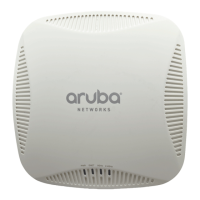
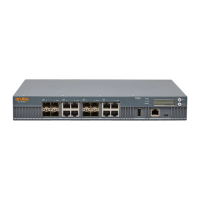
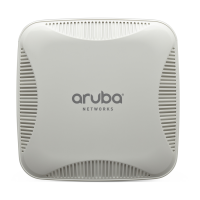
Aruba 200 Mobility Controller 11
Installation Guide
Connector Pinouts
A
This appendix describes connector pinouts for the serial port on the Aruba 200
Mobility Controller.
Serial Console Port
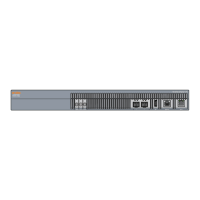
The serial console port is located on the front panel of the Aruba 200 Mobility
Controller. This port is for connecting a local management console and can be
used to access the text-based Command-Line Interface (CLI) to configure,
manage, and troubleshoot the Aruba 200 Mobility Controller.
Port & Adapter Pin Outs
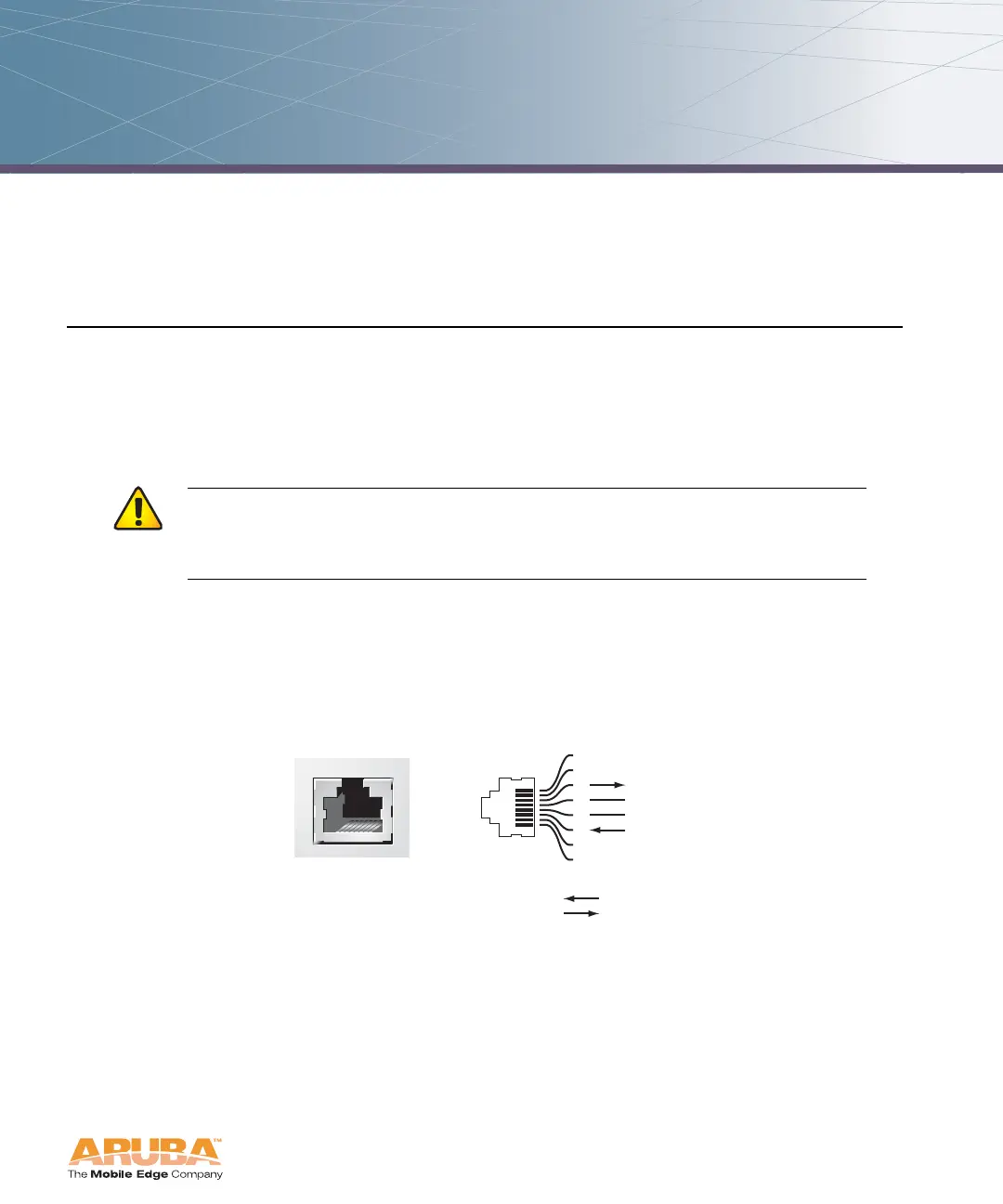
The serial console port’s RJ-45 female connector accepts an RS-232 serial cable
with a male connector. Pinouts are shown in Figure A-1:
FIGURE A-1 Serial Port
CAUTION: Do not connect Access Points to the serial console port.
The serial port is designed to connect to RS-232-only
devices. Non-RS-232 devices such as APs will cause the
Mobility Controller to fail and can cause damage.
Serial
Console Port
1
2
3
4
5
6
7
8
TxD
GND
RxD
RJ-45 Female
Pin-Out
GND
Direction
Input
Output



 To Next Page