NOTE: Both Power and Fault are identied by the Global Status LED. See LEDs for more
information.
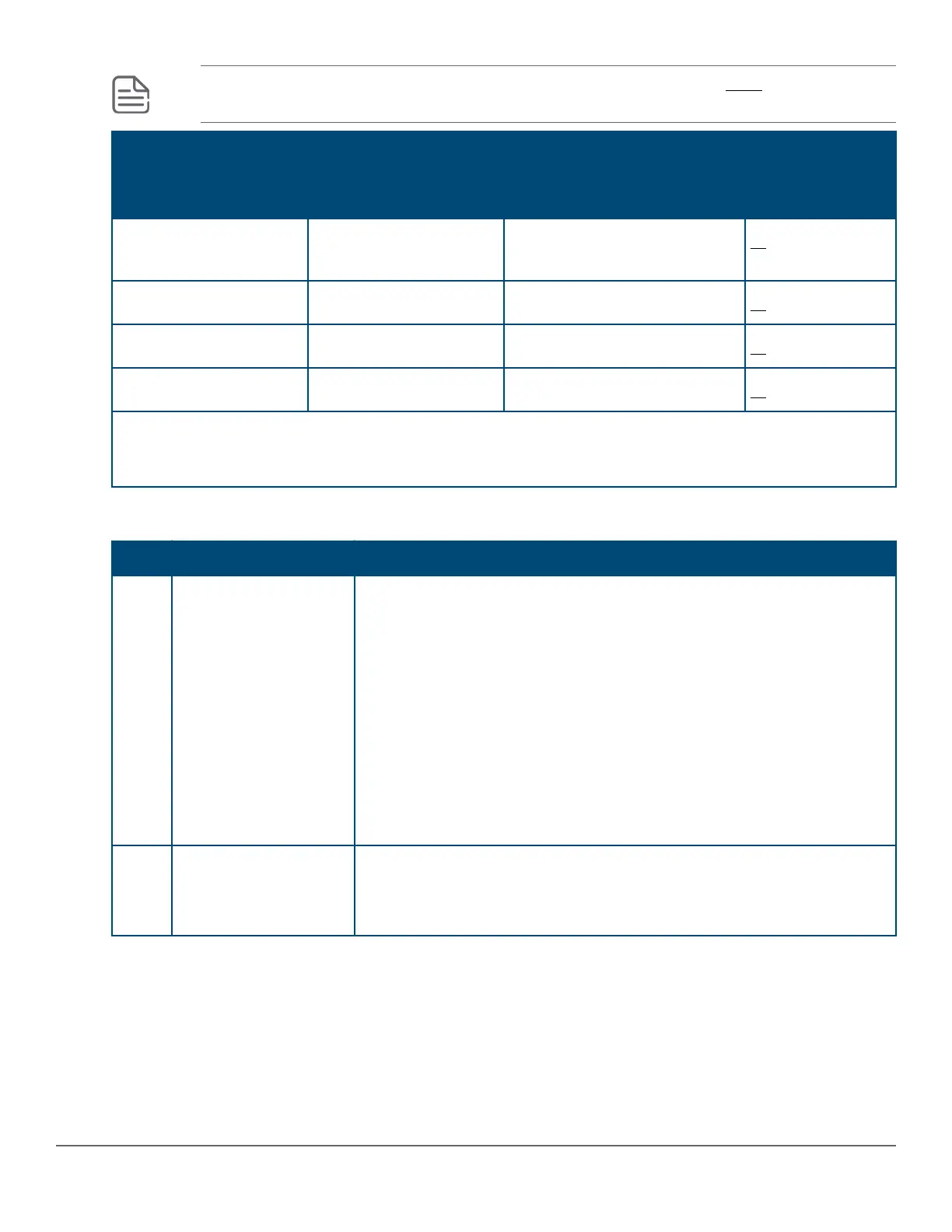
LED Pattern Indicating Problems Diagnostic Tips
Power Fault Port LED
O with power cord
plugged in
* * ➊
On Prolonged On * ➋
On Blinking† Blinking† ➌
On O O with cable connected ➍
* This LED is not important for the diagnosis.
† The blinking behavior is an on/o cycle once every 1.6 seconds, approximately.
Diagnostic Tips
Tip Problem Solution
➊ The switch is not
plugged into an active
AC power source, the
switch’s power adapter
may have failed.
1. Verify the power cord is plugged into an active power source and to
the switch. Make sure these connections are snug.
2. Try power cycling the switch by unplugging and plugging the power
cord back in.
3. If the Power LED is still not on, verify that the AC power source works
by plugging another device into the outlet. Or try plugging the switch
into a dierent outlet or try a dierent power cord.
If the power source and power cord are OK and this condition persists,
the switch power supply may have failed. Call your Aruba authorized
network reseller, or use the electronic support services from Aruba to get
assistance.
➋ A switch hardware
failure has occurred. All
the LEDs will stay on
indenitely.
Try power cycling the switch. If the fault indication reoccurs, the switch
may have failed. Call your Aruba authorized network reseller, or use the
electronic support services from Aruba to get assistance.
Table Continued
Chapter 6 Troubleshooting 41



 To Next Page