10
You can connect up to 2 devices at the same time, once the rst device has been connected, press the Reset
button on the back of the device or press the BT button on the remote controller to enter pairing mode for
the second device. The connection process is the same as the rst device.
Please note, only one device can play music at a time, only when the current playing device stop music
playback, can the other device start streaming music.
To disconnect the Bluetooth connection, quickly press the Reset button twice to disconnect all the
connection.
7.2 Bluetooth Transmitter Mode
To enable Bluetooth transmitter mode, once you are in one of the source input modes (Line in / Phono in /
Optical in / HDMI ARC / USB disk drive / USB DAC) press the Reset button on the back or press the BT TX
button on the remote controller to enable.
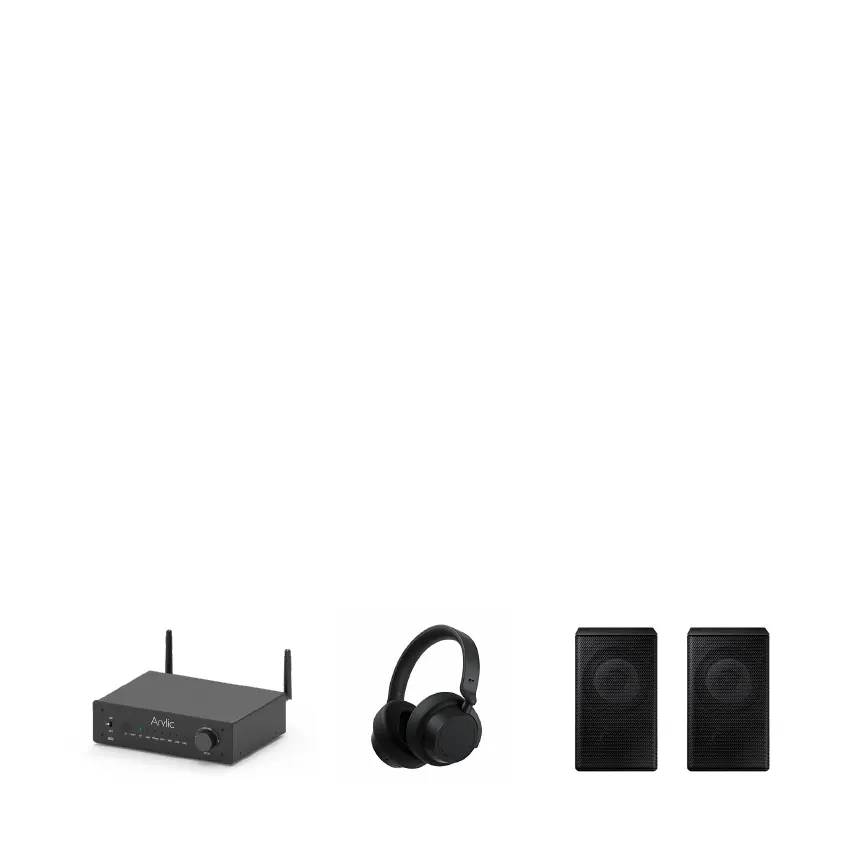
Once enabled, you will notice the BT LED will start flashing, the device will then search for nearby
Bluetooth receiver device (Bluetooth Speakers, headphones) and connect to it.
Please note, some BT receiver device might need you to enter pairing mode rst, some BT receiver device
might need to press a connection button to establish the connection. Please refer to the device user
manual or contact the seller for advice if needed.


 To Next Page