14
7.8 USB DAC Mode
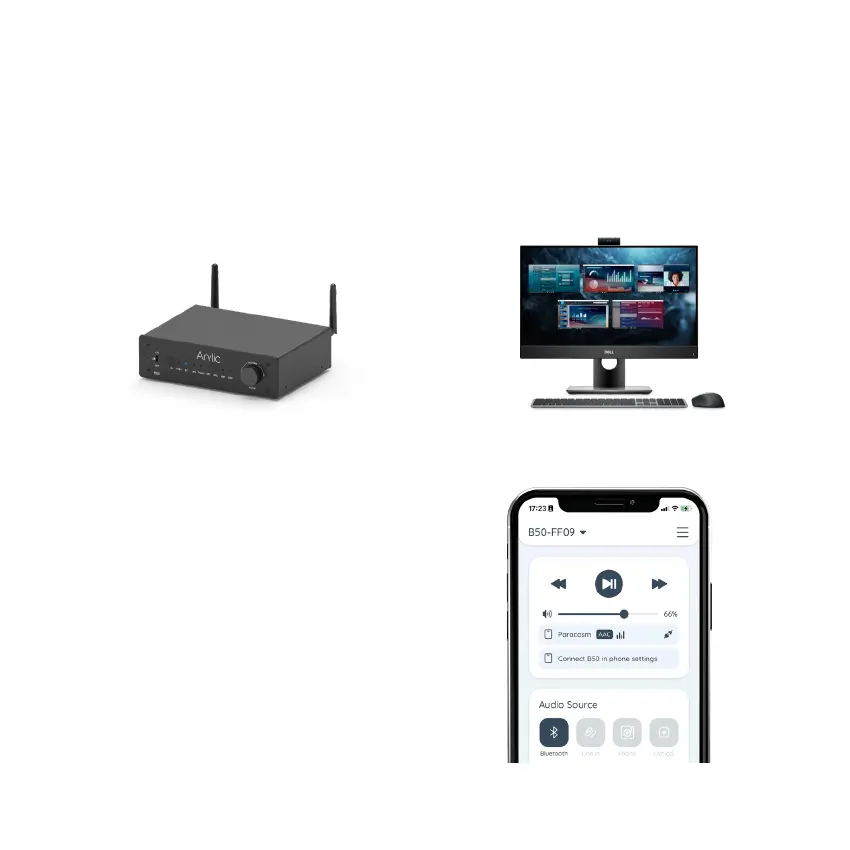
You can connect B50 to your PC to work as an external USB stereo sound system using a USB Type-C
cable. Please make sure the cable you use is data link cable and not just a charging cable. Some charging
cable is only for battery charging and does not contain data link to transfer data.
You will need to select B50 as the sound output device in your PC for it work. Look for the device name call
“Up2Stream USB Audio” and connect to it. Same as other input modes, you can stream your PC audio to
other connected Bluetooth device.
Go Connect is a user-friendly control application
for B50. You can easily take control of the device
without complicate configuration, Go Connect will
automatically detect close by B50 device and connect
to it. Go Connect lets you do playback control, input
source selection, enable Bluetooth pairing, enable
Bluetooth transmission and in-depth EQ settings for
B50 device.
Go Connect is available in both Google Play Store
and Apple APP Store.
8. Mobile Application


 To Next Page