INSTALLATION GUIDE
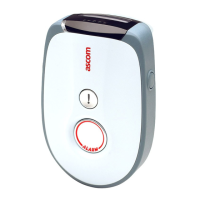
9dLD Locator, Version D
16TD 92775EN / 14 December 2020 / Ver. D
9. Maintenance
9.1 Changing Parameters
Refer to chapter 7. Configuration on page 11.
9.2 Changing Software
The software upgrade of the 9dLD location device, is done by using the Portable Device
Manager (PDM) Windows version.
1 Connect the 9dLD location device to the computer with an RS232 cable, refer to 6.2
Connect RS232 on page 10.
2 Follow the instruction for downloading new software, refer to the Ascom Portable Device
Manager (WinPDM), Installation and Operation Manual, TD 92325EN.
Troubleshooting
If the download is halted/not completed, disconnect the power supply. Connect the power
supply again and restart the software download.



 To Next Page