TD 92232GB
2005-06-15 / Ver.G
Installation Guide
ELISE2
27
5.6 Circuit Board Replacement
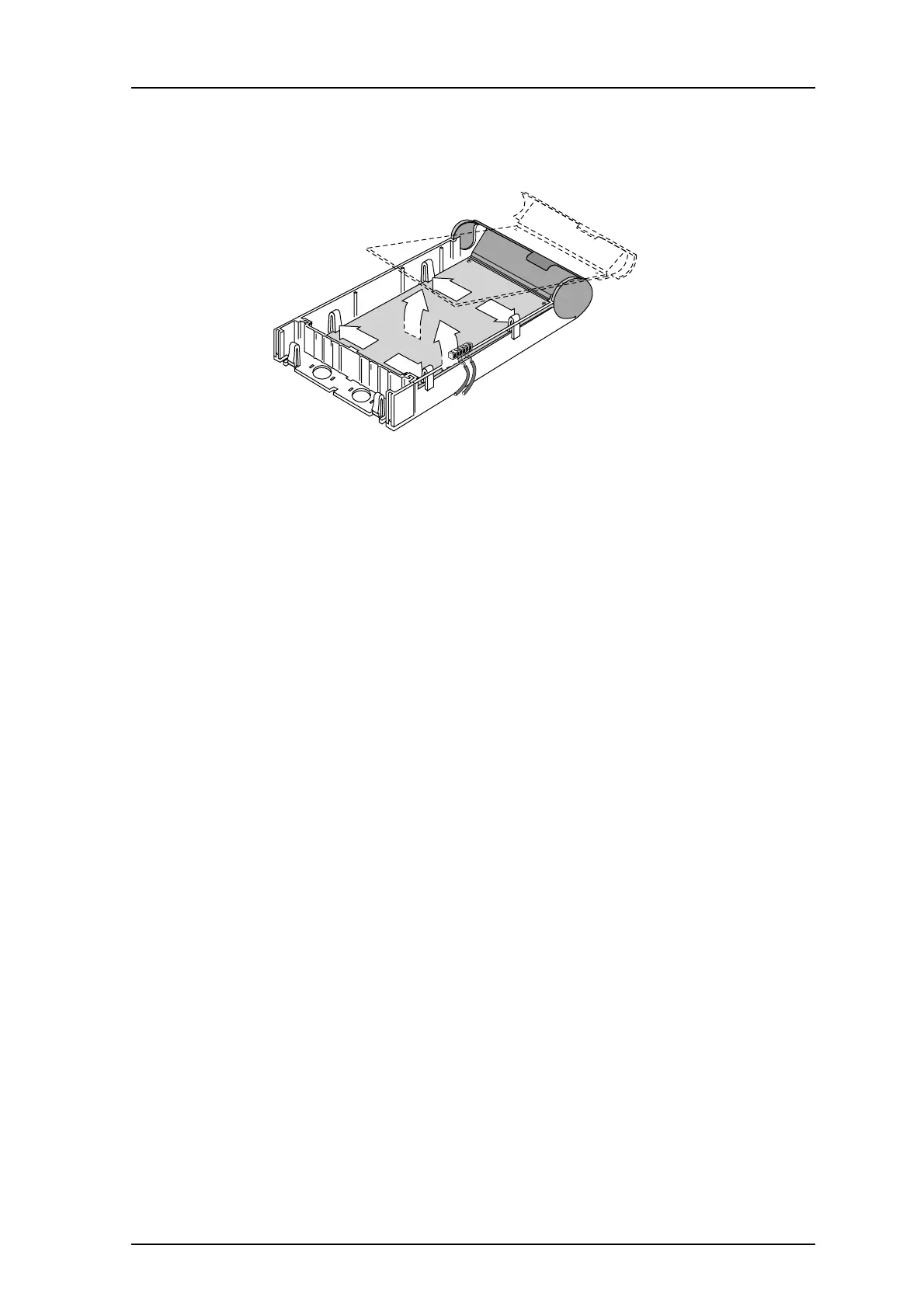
Figure 20. Replacing the ELISE2 circuit board.
1 Perform a power down of the unit.
2 Remove the cover, see 4.1 Opening the Housing on page 9.
3 Lift off the screw connectors from the circuit board. (1)
4 Press the four holding clips to release the circuit board (2).
5 Remove the circuit board (3).
6 Install the new circuit board in the case and make sure the circuit board clicks into
position.
7 Set all switches and jumpers as they were on the original circuit board and replace
the screw connectors.
8 Check installation according to 4.14 Installation Test Procedure on page 22.
2
2
2
2
3
028
1



 To Next Page