TD 92232GB
2005-06-15 / Ver.G
Installation Guide
ELISE2
13
4.5 Mounting
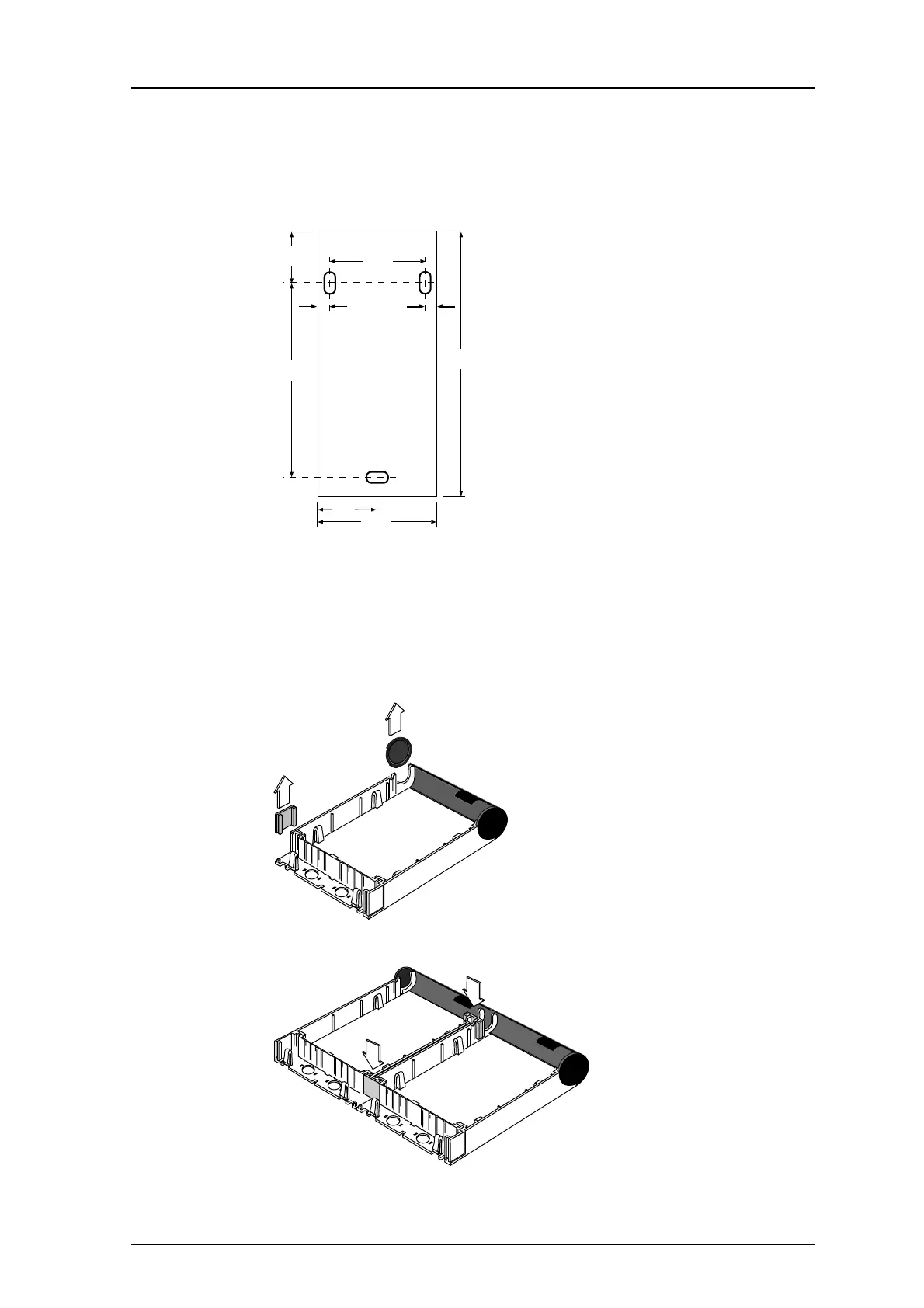
Dimensions for installation of the ELISE2 module.
Note: To facilitate service after the unit is installed, we recommend a free space of about
150 mm above and 50 mm below the unit.
4.6 Mounting Together with Other Units
1 Remove the rectangular (1) and circular (2) covers.
2 The rectangular covers are used to fasten units to each other (3 and 4).
3 Fasten the unit with three screws, see the illustration in 4.5 Mounting on page 13.
Dimensions (H x W x D)
275 x 130 x 60 mm
56,5
112
99
188,5
275
65
130
013
1
2
014
4
3
015



 To Next Page