Need help?
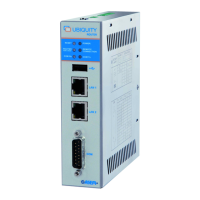
Do you have a question about the ASEM Ubiquity RK10 and is the answer not in the manual?
Overview of the Ubiquity Router, its functions, and key technological features.
Steps for selecting a mounting location, checking package/conditions, and mounting position.
Step-by-step guides for wall and DIN rail mounting the Ubiquity Router device.
Procedures for installing the SIM card and various types of antennas.
Guidelines for connecting power supply, Ethernet ports, and switching on the device.
Overview of device configuration, network settings, and specific setup for RM models with HMI projects.
Comprehensive technical details covering software, hardware, interfaces, power, and electrical characteristics.
 General
| Brand | ASEM |
|---|---|
| Model | Ubiquity RK10 |
| Category | Network Router |
| Language | English |


 To Next Page