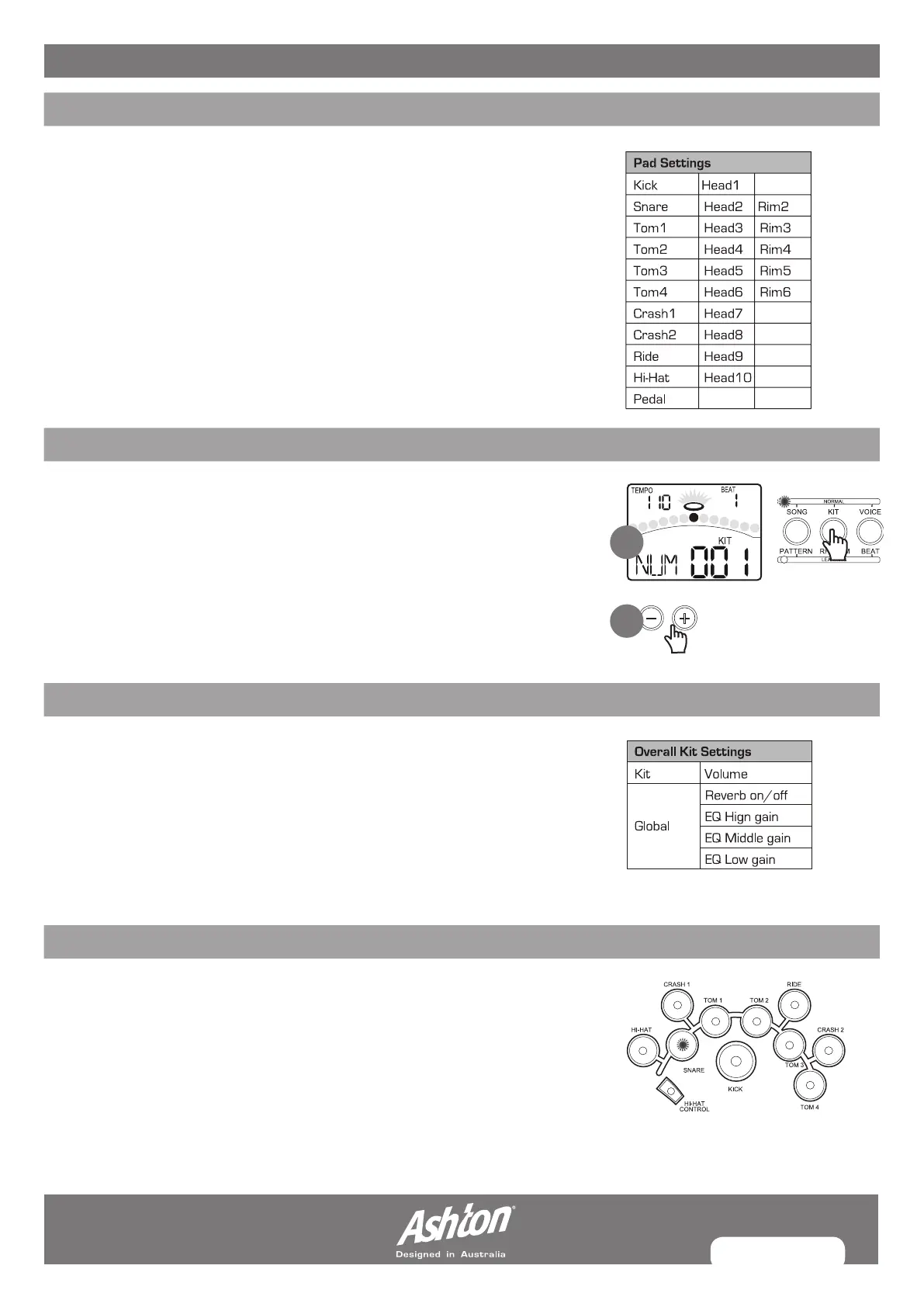
PAGE 13
CREATING YOUR OWN DRUM KIT
ABOUT THE DRUM KITS
In KIT menu, you can select drum kits to play from the pads, and you can edit
voices and their associated parameters, such as Pitch, Reverb Level, Volume,
Pan, MIDI Note, etc.
There are 40 kits in the digital drum:
• 24 preset kits (Kits 01-24)
• 16 user kits (Kits 25-40)
In addition, there are 11 General MIDI preset kits for MIDI/USB applications,
and for MIDI file playback. Please refer to GM Drum Kit List. Each drum kit
contains settings for up to 16 voices, assigned to the 10 pad inputs and 1 pedal
controller:
SELECTING A DRUM KIT
1. If the digital drum is not yet in KIT menu, press the [KIT] button to enter
it. The KIT indicator will light up, and the LCD will display the current kit
number.
2. Press the [–] or [+] buttons to select a kit. When holding down [+], values
increase rapidly. When holding down [–], values decrease rapidly.
OVERALL DRUM KIT SETTING
In KIT menu, you can set the overall kit parameters.
1. Press the [PAGE] or [KIT] button, select Kit volume page.The parameter adjusts the
overall kit volume(0-32).
2. Press the [PAGE] or [KIT] button, select Reverb Switch page. The parameter
toggles the global reverb Switch ON/OFF.
3. Press the [PAGE] or [KIT] button, select EQ gain page. These parameters adjust the
three bands of Master EQ(-12dB-12dB).
SELECTING THE PAD TO EDIT
The current pad to be edited can be selected either by pressing its Pad Select button,
or by striking the pad itself. The PAD indicator will light up to show which pad is currently
selected. If the rim of a pad is selected, both the PAD indicator and the RIM indicator
will turn on.
1
2


 To Next Page